AI Productivity Tools
Discover top AI tools that boost productivity and streamline your tasks efficiently.

In today's fast-paced world, staying productive can sometimes feel like an uphill battle. With endless to-do lists, constant notifications, and distractions lurking around every corner, finding the right tools to help you manage your time effectively has never been more crucial. Enter AI productivity tools—designed to streamline your workflows, automate mundane tasks, and keep you organized.
Over the past few years, these intelligent solutions have made significant strides, evolving from simple task managers to comprehensive systems that adapt to your needs. Whether you're striving to optimize your daily schedule, improve team collaboration, or tackle that overwhelming inbox, the right AI tools can make all the difference.
In my exploration of the best AI productivity tools on the market, I've tested various applications that promise to enhance your efficiency and focus. From smart schedulers to innovative project management systems, there’s a wealth of options available to help reclaim your time.
So, if you're eager to elevate your productivity game and make the most out of your workday, look no further. Here’s a curated list of standout AI productivity tools that are worth your attention. Let’s dive into the world of smarter work management together!
The best AI Productivity Tools
-
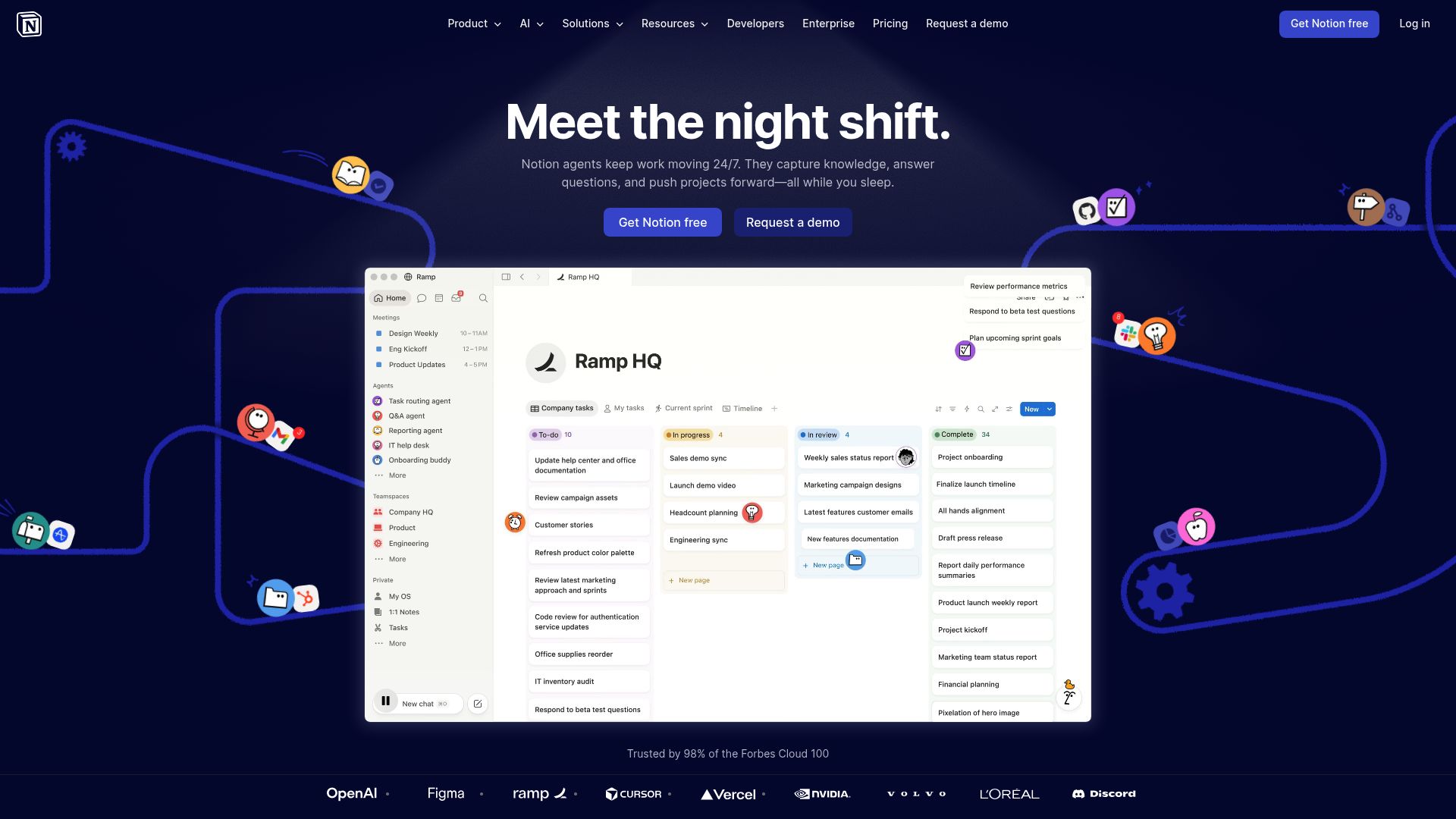
1. Notion for task management and project tracking
-
2. Zoom for analyzes and summarizes meeting content
-
3. SmallPDF.com for streamline document management for teams.
-
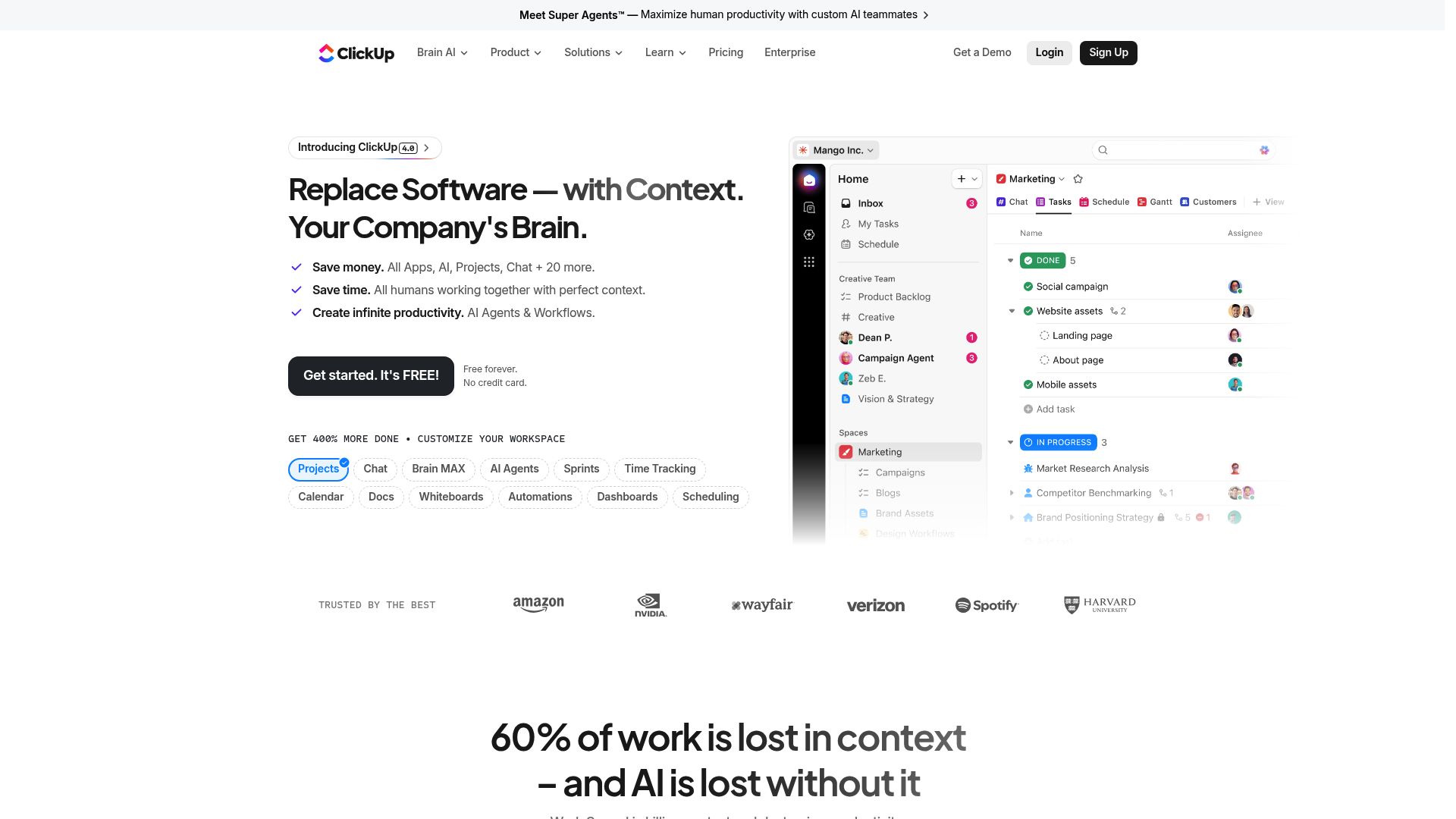
4. Clickup for task organization and prioritization.
-
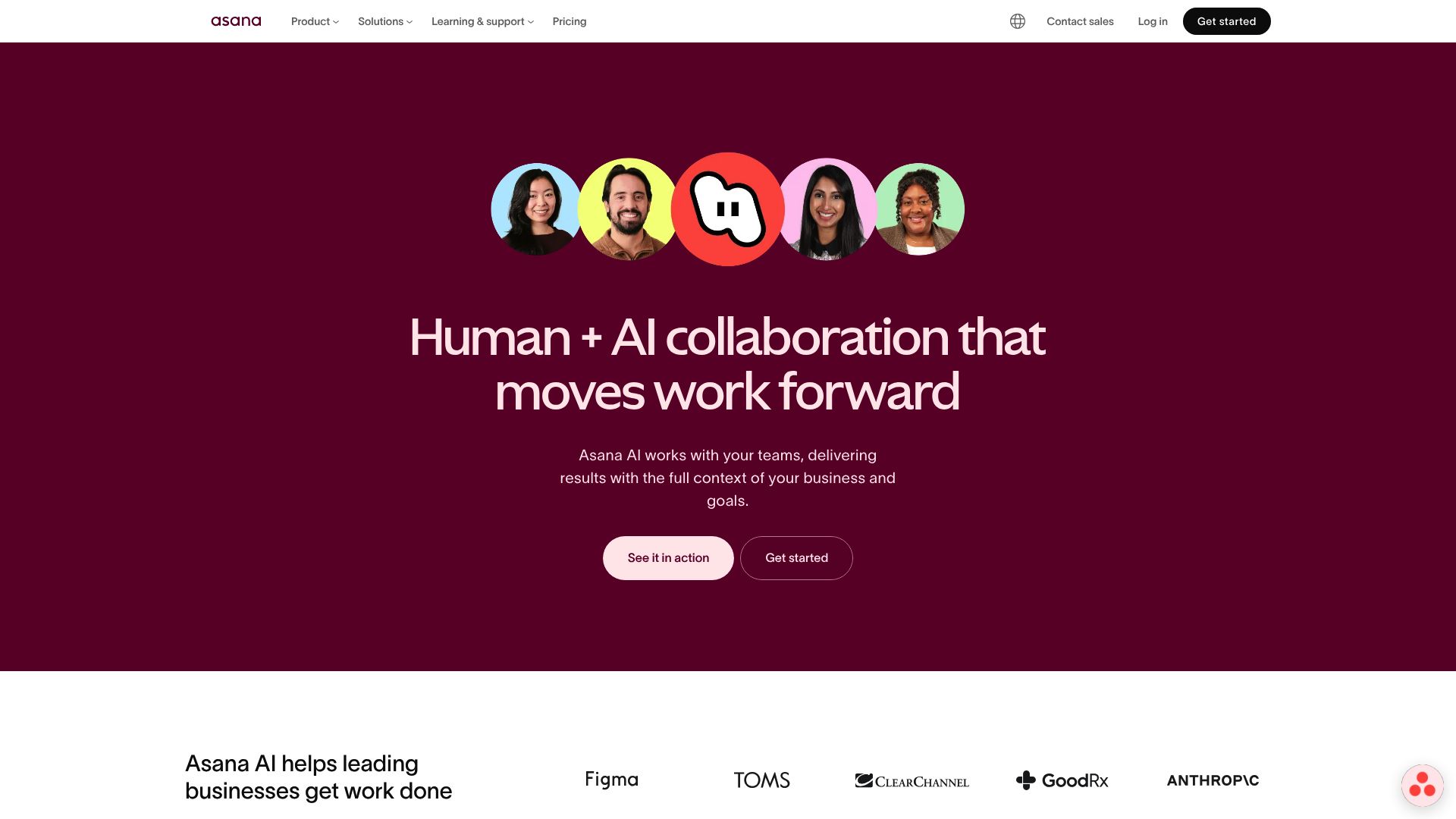
5. Asana Ai for task prioritization assistance
-
6. Monday for team collaboration and task tracking.
-
7. Odoo for task management and team collaboration.
-
8. Gamma for time-saving document creation tools
-
9. Quark
-
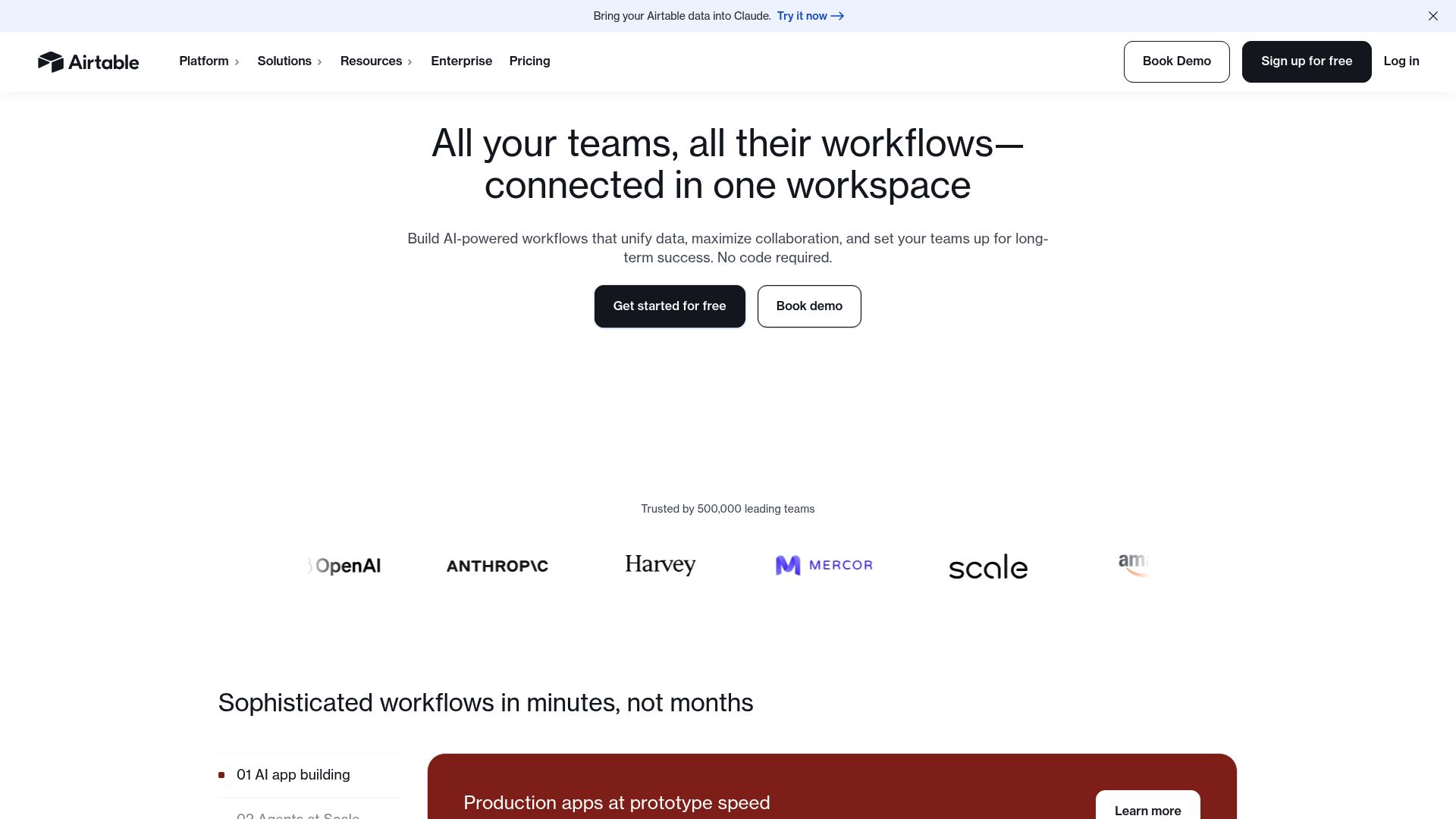
10. Airtable for task tracking and collaboration hub.
-
11. Prezi for engaging team collaboration sessions
-
12. Zapier for automating task updates across apps.
-
13. Slidesgo for efficiently create professional presentations.
-
14. Tableau for streamlining reports and dashboards creation
-
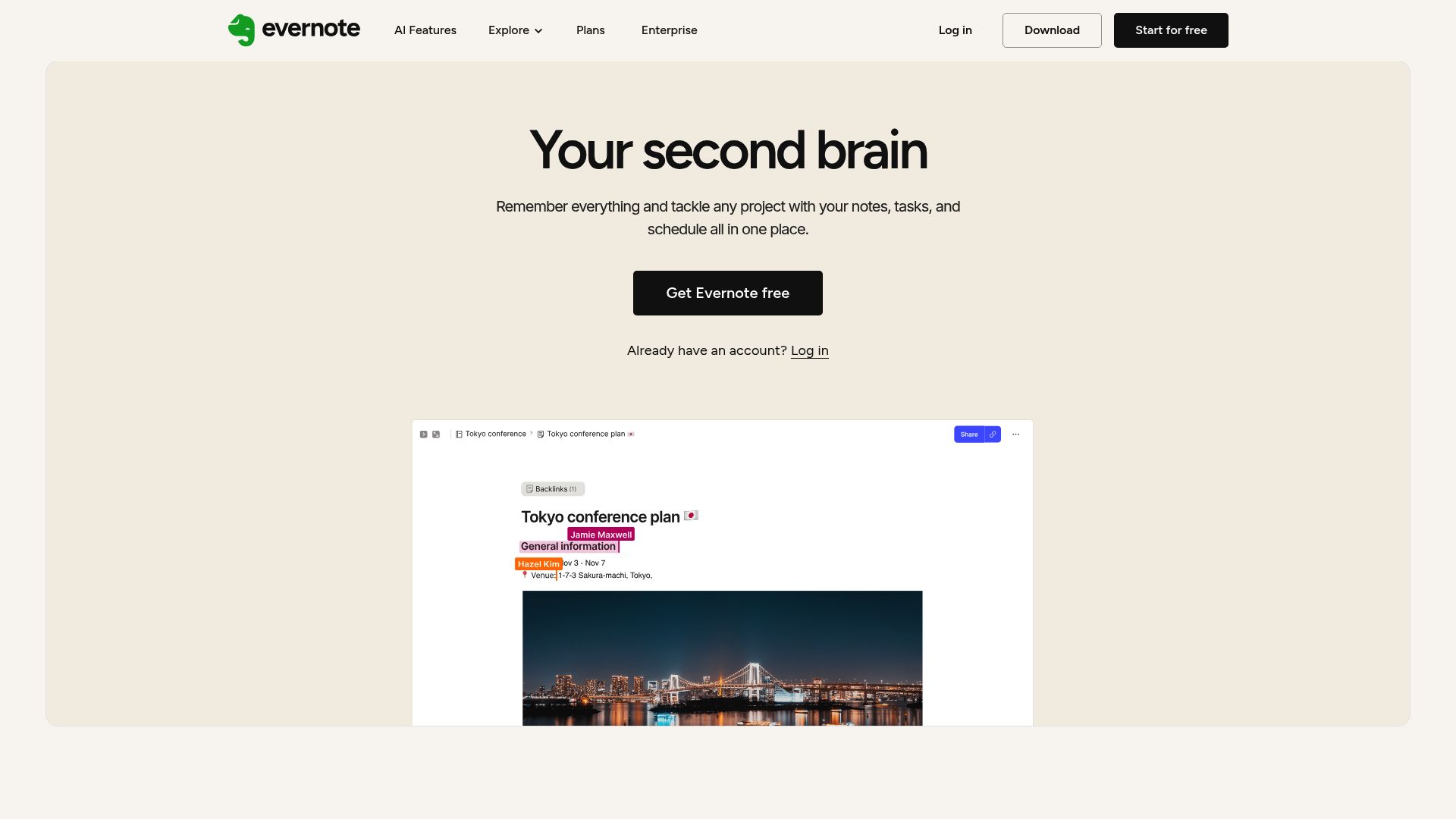
15. Evernote for task management and note organization
How do AI productivity tools work?
AI productivity tools operate by leveraging machine learning algorithms to analyze user behavior and optimize tasks. These tools are designed to process vast amounts of data, identifying patterns and preferences that help streamline workflows. By understanding how users interact with various applications, AI can suggest personalized improvements to enhance productivity.
At their core, these tools utilize natural language processing (NLP) to interpret and respond to user commands efficiently. For instance, they can schedule meetings, set reminders, or generate reports just by understanding simple requests. This capability saves users time and minimizes manual effort.
Many AI productivity applications integrate with popular platforms like calendars, emails, and project management software. This interconnectedness allows them to gather insights and automate tasks across different environments. As a result, users experience a smooth, cohesive interface that enhances their daily operations.
AI productivity tools also learn from ongoing user interactions to improve over time. The more a user engages with the tool, the better it becomes at predicting needs and offering relevant suggestions. This adaptability is what makes AI tools increasingly valuable for enhancing both individual and team productivity.
Furthermore, these tools can analyze data related to task completion and offer suggestions for improvement. For example, if a user frequently misses deadlines, the AI can recommend better time management strategies. By providing actionable insights, AI productivity tools empower users to work smarter, not harder.
Ultimately, AI productivity tools exemplify how technology can transform everyday tasks into more efficient processes. By automating routine activities and offering personalized insights, they help users focus on what matters most—achieving goals and maximizing overall effectiveness.
Our best AI productivity tools at a glance
| Rank | Name | Best for | Plans and Pricing | Rating |
|---|---|---|---|---|
| 1 | Notion | task management and project tracking |
N/A |
0.00 (0 reviews)
|
| 2 | Zoom | analyzes and summarizes meeting content |
Paid plans start at $15.99/month. |
4.73 (11 reviews)
|
| 3 | SmallPDF.com | streamline document management for teams. |
Paid plans start at $9/month. |
4.73 (11 reviews)
|
| 4 | Clickup | task organization and prioritization. |
N/A |
0.00 (0 reviews)
|
| 5 | Asana Ai | task prioritization assistance |
N/A |
0.00 (0 reviews)
|
| 6 | Monday | team collaboration and task tracking. |
N/A |
0.00 (0 reviews)
|
| 7 | Odoo | task management and team collaboration. |
N/A |
4.67 (6 reviews)
|
| 8 | Gamma | time-saving document creation tools |
N/A |
4.79 (19 reviews)
|
| 9 | Quark |
N/A |
0.00 (0 reviews)
|
|
| 10 | Airtable | task tracking and collaboration hub. |
N/A |
0.00 (0 reviews)
|
| 11 | Prezi | engaging team collaboration sessions |
Paid plans start at $19/month. |
4.18 (11 reviews)
|
| 12 | Zapier | automating task updates across apps. |
N/A |
0.00 (0 reviews)
|
| 13 | Slidesgo | efficiently create professional presentations. |
N/A |
4.68 (22 reviews)
|
| 14 | Tableau | streamlining reports and dashboards creation |
N/A |
4.70 (43 reviews)
|
| 15 | Evernote | task management and note organization |
N/A |
0.00 (0 reviews)
|
909 Listings in AI Productivity Tools Available


Zoom cons:
- Limited transcription accuracy
- Lacks offline functionality
Zoom is a robust video conferencing platform that facilitates virtual meetings, webinars, and conference calls. Renowned for its user-friendly interface, it allows users to connect seamlessly across various devices via a web browser or the dedicated Zoom app. With features like screen sharing, chat functions, and recording options, it enhances the interactive experience for participants. Zoom's ability to accommodate large groups makes it a favorite among businesses, educational institutions, and individuals alike, fostering effective remote collaboration. Additional tools such as virtual backgrounds, breakout rooms for smaller discussions, and the option to schedule meetings in advance further enrich the platform, positioning Zoom as a valuable productivity tool in today’s digital workspace.
Zoom Pricing
Paid plans start at $15.99/month and include:
- 1000 Participants per meeting
- Full-featured PBX
- Meetings up to 30 hours per meeting
- Whiteboard Basic - Unlimited boards
- Team Chat
- Mail and Calendar Client & Service


SmallPDF.com pros:
- Free access: Access the essential PDF tools without any cost.
- Secure digital signatures: E-sign and request signatures with confidence.
SmallPDF.com is a versatile online platform that simplifies the management of PDF files, making it an essential tool for both individuals and businesses. With its suite of features, users can convert, compress, edit, merge, split, and sign PDFs with ease. The interface is designed to be intuitive, catering to those who may not be tech-savvy, allowing them to accomplish their tasks quickly without any hassle.
One of the standout aspects of SmallPDF.com is its emphasis on efficiency. Users can tackle multiple PDF-related tasks all in one place, eliminating the need for various software solutions. This not only saves time but also reduces the complexity often associated with document management, making it an ideal choice for busy professionals.
SmallPDF.com also prioritizes security, ensuring that your documents are handled with care. The platform integrates features that protect your sensitive information, which is particularly important for businesses handling confidential data. This commitment to security, combined with its functionality, makes SmallPDF.com a reliable partner for all PDF-related needs.
Pricing for SmallPDF.com starts at a reasonable $9 per month, which provides access to its premium features. For those who regularly work with PDF files, this investment can pay off quickly, given the time saved and the user-friendly capabilities offered. Overall, SmallPDF.com stands out as one of the best AI productivity tools available, streamlining document handling and enhancing workflow efficiency.
SmallPDF.com Pricing
Paid plans start at $9/month and include:
- Strong Compress
- Convert scanned PDFs to Word
- Digital seal protection on signatures
- Unlimited document downloads
- Desktop applications
- File storage






Gamma pros:
- One-click Templates
- No-code Editing
Gamma is a transformative AI-driven productivity tool designed to streamline the content creation process. By integrating advanced AI technology, it enables users to generate high-quality content effortlessly, eliminating the cumbersome tasks of formatting and design. This makes it ideal for individuals looking to produce professional materials without requiring extensive technical skills.
The platform’s one-click templates and no-code editing options cater to a diverse audience, from beginners to seasoned professionals. Whether you’re crafting documents, presentations, or web pages, Gamma simplifies the process, allowing for quick customization tailored to specific needs.
What sets Gamma apart is its focus on enhancing workflow efficiency alongside creativity. Users can swiftly create polished and impactful messages, freeing up time to focus on their core tasks. By harnessing AI capabilities, the platform empowers users to explore their creative potential while consistently delivering high-quality outputs.
For those seeking a valuable asset in their content generation arsenal, Gamma stands out as an essential tool. It not only maximizes productivity but also encourages innovative thinking, making it a game-changer for individuals and teams aiming to elevate their content creation efforts.




Prezi pros:
- Designed for hybrid work environment
- Scalable for teams
Prezi cons:
- Incompatible with some devices
- Limiting pre-made templates
Prezi stands out as a leading tool in the realm of AI productivity, transforming traditional presentations into engaging visual narratives. By leveraging motion and spatial relationships, Prezi enhances communication and collaboration, making it ideal for teams and individuals eager to capture their audience's attention. Its interactive features and customizable options allow users to create visually compelling content that resonates, whether for educational settings or business environments.
Founded in 2009 in Budapest, Prezi has expanded globally, embracing a virtual-first culture that fosters creativity and teamwork across continents. The introduction of Prezi Video in 2019 significantly enhanced its offerings, catering specifically to remote and virtual presentations. This evolution reflects Prezi's commitment to innovation, ensuring users have the tools necessary for effective hybrid learning and communication in today’s fast-paced world.
Prezi’s pricing structure caters to a diverse audience, offering plans that suit individuals, educators, and businesses alike. Starting at just $19 per month, users gain access to premium features like Prezi AI, advanced privacy controls, and seamless PowerPoint conversions. This approach not only enhances user experience but also empowers them to maximize their presentation potential with unlimited visual content and customizable privacy settings.
In addition to its compelling features, Prezi complies with SOC2 standards, assuring users of secure data management practices. This focus on security, paired with its easy-to-use interface, makes it an attractive option for organizations of all sizes. Whether you’re preparing for a board meeting, an educational lecture, or a creative pitch, Prezi equips users with the tools needed to leave a lasting impression.
Prezi Pricing
Paid plans start at $19/month and include:
- Unlimited visual content
- Privacy control
- Presentation recording
- Smart branding
- Revocable share links
- Premium images, icons, and background



Slidesgo pros:
- Downloads in PDF format
- Aids with content generation
Slidesgo cons:
- Limited template adjustments
- Indirect image addition
Slidesgo stands out as an innovative tool in the realm of presentation creation, leveraging artificial intelligence to streamline the process. With a diverse array of customizable templates, users can easily craft presentations that suit their specific style and tone without needing extensive design skills. This makes it particularly helpful for those on tight deadlines or in search of fresh ideas.
The AI Presentation Maker allows users to generate templates swiftly, fully adaptable to individual preferences. Additionally, it provides options to incorporate personal images, adjust colors, and rearrange text elements, ensuring that each presentation feels uniquely tailored. This flexibility can save considerable time, making it ideal for professionals and students alike.
One of the standout features is the inclusion of an online editor, which requires no additional downloads or complex software. Everything is accessible directly in the browser, simplifying the customization process. Users can also share presentations easily via generated links, adding to its convenience.
Furthermore, the tool offers the ability to select specific writing tones, enhancing content presentation. This feature caters to diverse audiences and purposes, from formal meetings to casual updates. Overall, Slidesgo delivers a comprehensive solution that elevates the productivity and creativity involved in preparing presentations, making it a valuable resource for anyone looking to make an impact.


Tableau pros:
- Wide applicability, various contexts
- Features Tableau Pulse and Einstein Copilot
Tableau cons:
- Dependent on Salesforce ecosystem
- Lacks real-time analytics capabilities
Tableau stands out as a robust AI productivity tool designed for organizations looking to harness their data effectively. Its impressive ability to connect with various databases and provide a seamless drag-and-drop interface makes it accessible for users at different skill levels. This ease of use encourages data exploration and empowers teams to visualize their insights quickly.
The software’s advanced AI features, such as Tableau Pulse and Einstein Copilot, facilitate intelligent analytics at scale. These capabilities allow users to derive actionable insights and make informed decisions swiftly, enhancing overall productivity within teams. Tableau’s focus on transforming raw data into meaningful visual stories is invaluable for fostering a data-driven culture.
While Tableau's strength lies in its comprehensive training resources and adaptability to specific industries, it is important to consider its cost. The licensing fees can be steep for some organizations, which might deter smaller businesses from fully utilizing its capabilities. Additionally, newcomers may encounter a learning curve that requires time and practice to master.
Ultimately, Tableau is designed for those who prioritize data-driven decision-making and are willing to invest in a powerful tool. Its user-friendly interface and strong community support further reinforce its reputation as a leading choice in the realm of AI productivity tools. Ideal for organizations of all sizes, Tableau empowers teams to act on their data insights confidently.

What makes the best AI productivity tool?
Identifying the best AI productivity tool hinges on several key factors. With numerous options available in the market, it’s vital to focus on tools that genuinely enhance efficiency and streamline workflows. The right tool should not just automate mundane tasks but also provide intuitive features that adapt to your specific needs and preferences.
An effective AI productivity tool must offer seamless integration with existing applications. Whether it’s email platforms, project management systems, or cloud storage services, ease of connectivity can significantly reduce friction in daily tasks and foster a more cohesive work environment. This integration capability ensures that users can harness the full potential of the tool without extensive setup time.
User-friendliness plays a crucial role in productivity tools. If an app feels cumbersome or overwhelming, it can become a hindrance rather than a help. The best tools provide clear navigation, customizable dashboards, and straightforward workflows, enabling users to quickly adapt and maximize their productivity. Good onboarding experiences and comprehensive help resources also contribute to a smoother user journey.
Another important factor is the level of automation offered. The most effective tools allow you to automate repetitive tasks without sacrificing control. Look for features such as customizable templates, smart reminders, and scheduling functionality that can save you time and energy, leaving you free to concentrate on more critical tasks that require your attention.
Lastly, consider affordability. While premium features can enhance functionality, it's essential that the price aligns with the value offered. Many tools provide tiered pricing models to accommodate different budgets, but the best options always demonstrate clear ROI through improved productivity, no matter the investment.
In a crowded market, I examined over 40 productivity tools, keeping an eye out for those that stood out in terms of usability, features, and versatility. Ultimately, the best tools are those that deliver a superior user experience and facilitate a more productive work life without being overly complex or expensive.
How I selected the best Productivity Tools
Ranking and Scoring Methodologies
Our AI tool rankings are based on a comprehensive analysis that considers factors like user reviews, monthly visits, engagement, features, and pricing. Each tool is carefully evaluated to ensure you find the best option in this category. Learn more about our ranking methodology here.
In selecting the best productivity tools, I focused on options that are actively updated and show remarkable progress in improving their features. The rapid evolution in this sector means it's essential to highlight tools that are adaptable and user-centered. My evaluation criteria were rooted in functionality, user experience, and integration capabilities.
First and foremost, I assessed the effectiveness of each tool. A desirable productivity tool should deliver reliable output consistently, making it easier for users to stay organized and efficient in their tasks.
Next, I considered the user experience. A good productivity tool should offer an intuitive interface and allow users to engage effortlessly with its features—whether they're managing tasks, scheduling events, or collaborating with others.
I also explored the range of functionalities offered by each tool. Does it provide more than basic task management? Features like file sharing, project tracking, or time management capabilities can add considerable value to a tool's usability.
Additionally, I examined how well each tool integrates with popular applications. A productivity tool that seamlessly connects with other platforms can significantly enhance a user's workflow, reducing the friction that often comes with juggling multiple apps.
Finally, I looked for unique features that set each tool apart. Extras such as automation, templates, and customization options can make a noteworthy difference in how users interact with the tool and ultimately improve their productivity.
Through thorough research and hands-on testing, I identified a range of productivity tools that stand out in today’s landscape. I’m excited for you to explore these options and find what fits best for your needs!