AI Note Takers
Explore top AI note-taking tools that enhance organization, efficiency, and productivity effortlessly.

Taking notes has become a critical skill in our fast-paced, information-heavy world. Whether it’s for lectures, meetings, or personal insights, effective note-taking can transform how we retain and recall information. But let’s face it: handwritten notes can be messy, and typing can lead to a struggle to organize thoughts on the fly.
Enter the age of AI note-taking tools. These innovative applications go beyond just digitizing your thoughts—they leverage artificial intelligence to enhance organization, synthesize information, and even extract key insights automatically. With the right AI tool, you can transition from chaotic scribbles to seamless digital notebooks.
After diving into various options over the past few weeks, I’ve compiled a list of the best AI note-taking tools currently available. Each of these tools has its own unique features tailored to different needs, from capturing audio notes to summarizing lengthy texts. Whether you’re a student, a professional, or someone who simply wants to stay organized, there’s something here for you.
So, if you’re ready to revolutionize your note-taking experience and reclaim valuable time, let’s explore the top contenders in the AI note-taking landscape.
The best AI Note Takers
-
1. Zoom for streamline scheduling and take meeting notes.
-
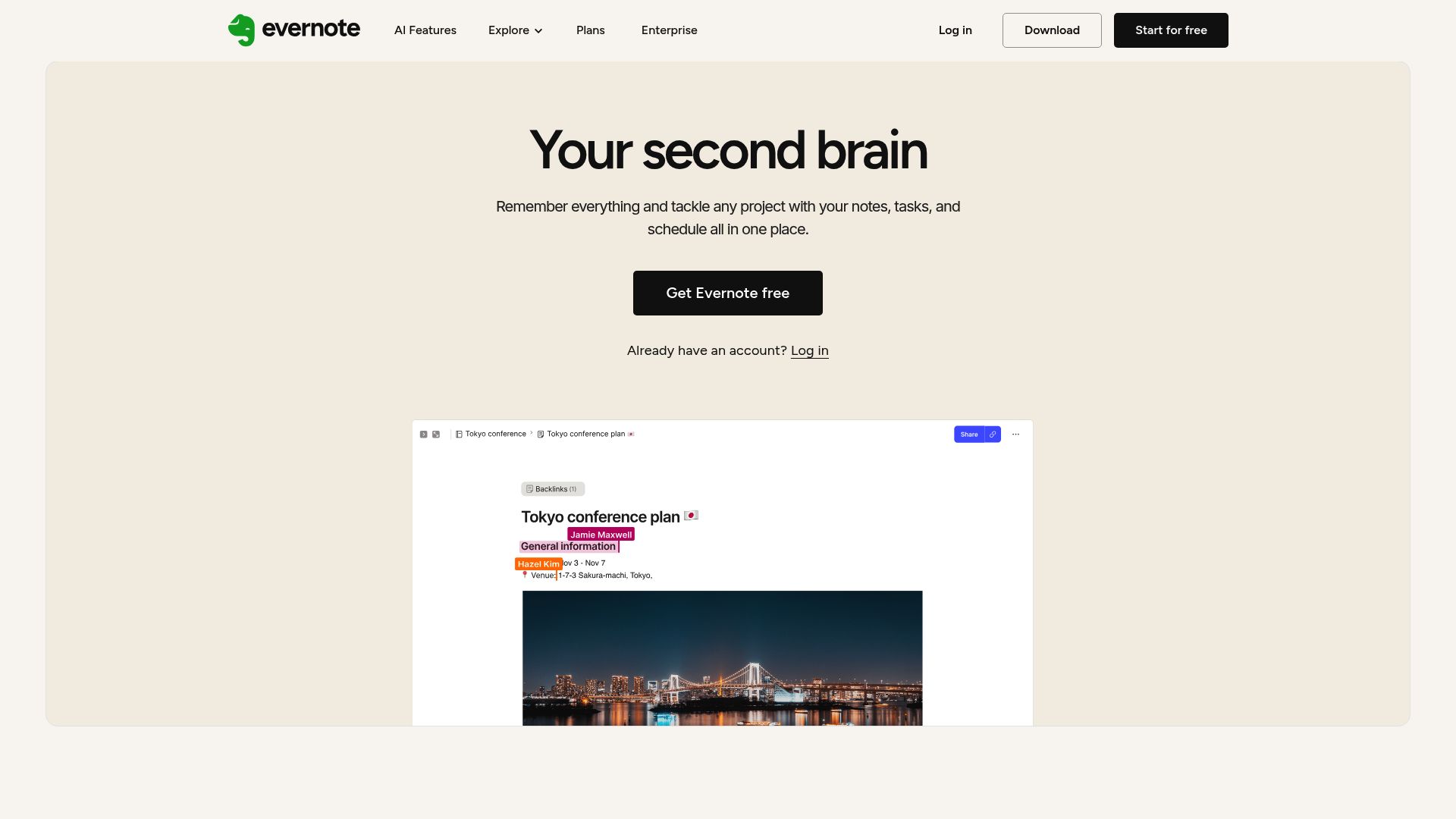
2. Evernote for organizing ai research notes efficiently.
-
3. Tactiq for automate meeting notes effortlessly.
-
4. Otter.ai for meeting summaries that capture key points.
-
5. Fireflies AI for meeting summaries and action items.
-
6. PLAUD for efficient lecture transcription help
-
7. Cal.ai for transcribe and summarize meetings
-
8. Bubbles Notetaker for ai-driven meeting summary generation
-
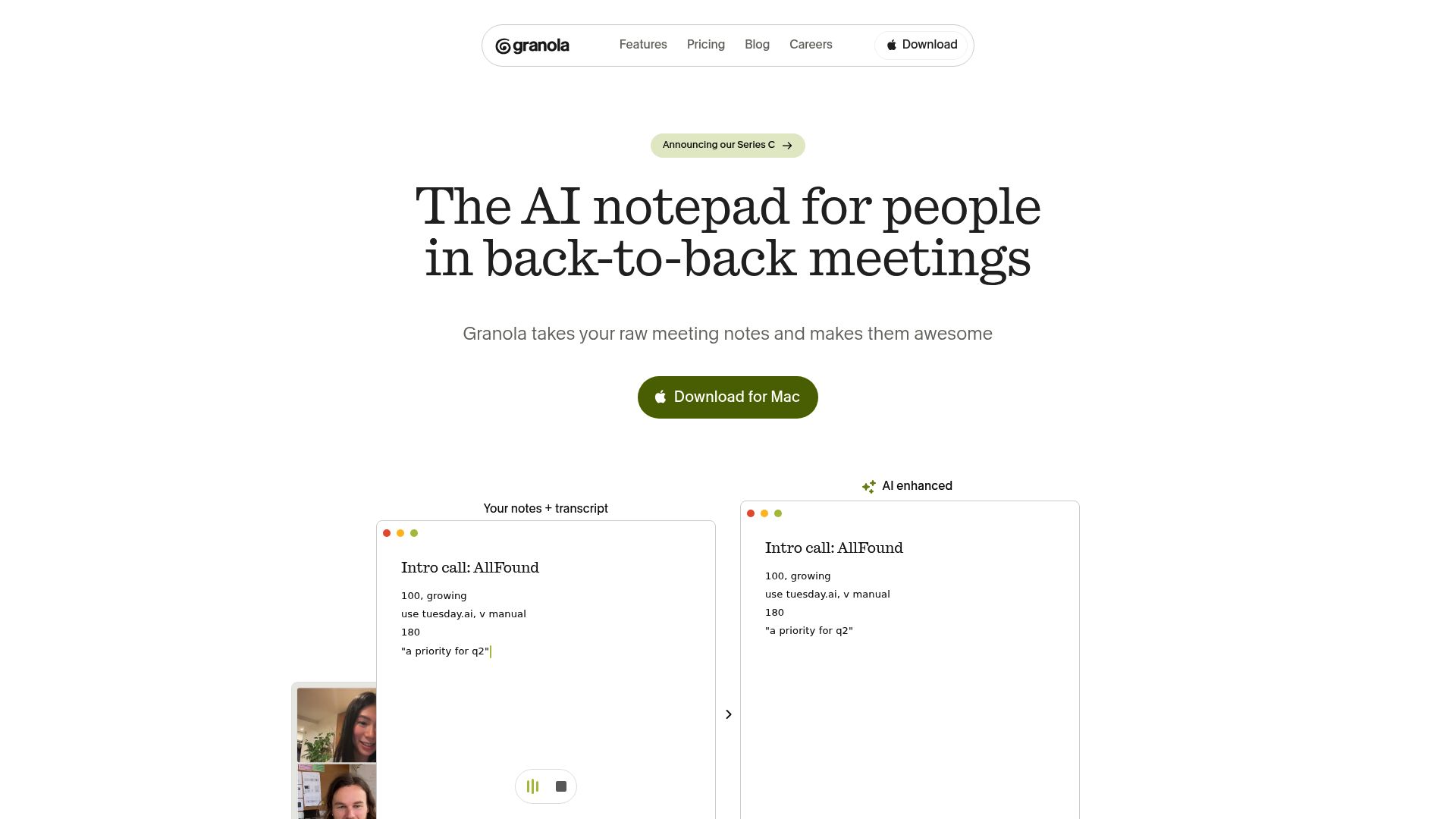
9. Granola for organizing meeting summaries efficiently.
-
10. Tldv for streamlining meeting notes and action items
-
11. Fathom AI for seamlessly transcribe meeting notes
-
12. Klangio for transcribing lectures into music notes
-
13. Blu Dot for streamline meeting summaries efficiently
-
14. InfoBaseAI for efficiently capture and organize notes.
-
15. Notta for streamlining meeting summaries effortlessly
How do AI note takers work?
AI note takers have emerged as valuable tools for managing information more effectively. At their core, these applications utilize advanced natural language processing (NLP) techniques to analyze spoken or written text. By converting words into a structured format, they can identify key concepts, organize ideas, and summarize content effortlessly.
Most AI note takers rely on large language models (LLMs) that have been trained on extensive datasets, including articles, books, and conversations. This training equips them with the ability to understand context, recognize relationships between topics, and even predict what information is most relevant.
During use, an AI note taker processes your input in real-time, whether you're dictating notes during a meeting or typing thoughts while studying. As it captures the information, it applies algorithms to parse sentences, extract highlights, and suggest insights. This allows users to focus on their thoughts without worrying about missing crucial details.
Many popular applications offer integrations with other tools, enabling seamless knowledge management. For instance, notes taken in an AI tool can be synced with project management apps or cloud storage. This interconnectedness enhances productivity, making it easy to retrieve and share information when needed.
The versatility of AI note takers also extends to their ability to accommodate various input methods, from text to voice. Users can dictate notes for later transcription, ensuring accessibility and convenience. Overall, AI note takers are transforming how we record and engage with information by leveraging cutting-edge technology.
Our best AI note takers at a glance
| Rank | Name | Best for | Plans and Pricing | Rating |
|---|---|---|---|---|
| 1 | Zoom | streamline scheduling and take meeting notes. |
Paid plans start at $15.99/month. |
4.73 (11 reviews)
|
| 2 | Evernote | organizing ai research notes efficiently. |
N/A |
0.00 (0 reviews)
|
| 3 | Tactiq | automate meeting notes effortlessly. |
N/A |
4.64 (11 reviews)
|
| 4 | Otter.ai | meeting summaries that capture key points. |
Paid plans start at $13.59/month. |
4.73 (11 reviews)
|
| 5 | Fireflies AI | meeting summaries and action items. |
Paid plans start at $10/month. |
4.67 (12 reviews)
|
| 6 | PLAUD | efficient lecture transcription help |
Paid plans start at Free/N/A. |
4.40 (15 reviews)
|
| 7 | Cal.ai | transcribe and summarize meetings |
Paid plans start at $15/month. |
4.33 (6 reviews)
|
| 8 | Bubbles Notetaker | ai-driven meeting summary generation |
Paid plans start at $Free/month. |
4.64 (11 reviews)
|
| 9 | Granola | organizing meeting summaries efficiently. |
N/A |
0.00 (0 reviews)
|
| 10 | Tldv | streamlining meeting notes and action items |
N/A |
4.31 (13 reviews)
|
| 11 | Fathom AI | seamlessly transcribe meeting notes |
Paid plans start at $19/month. |
4.33 (24 reviews)
|
| 12 | Klangio | transcribing lectures into music notes |
N/A |
4.74 (34 reviews)
|
| 13 | Blu Dot | streamline meeting summaries efficiently |
N/A |
4.60 (25 reviews)
|
| 14 | InfoBaseAI | efficiently capture and organize notes. |
N/A |
4.70 (10 reviews)
|
| 15 | Notta | streamlining meeting summaries effortlessly |
N/A |
4.72 (29 reviews)
|
110 Listings in AI Note Takers Available


Zoom cons:
- Limited transcription accuracy
- Lacks offline functionality
Zoom is a popular video conferencing tool that facilitates virtual gatherings, whether for meetings, webinars, or casual catch-ups. It enables users to join via web browsers or the Zoom app, ensuring accessibility on a range of devices. Known for its intuitive interface, Zoom offers features such as screen sharing, chat messaging, and the ability to record sessions, making it a valuable platform for collaboration in business, education, and personal settings. With options like virtual backgrounds and breakout rooms, users can tailor their meeting environments and enhance interaction. Zoom's capacity to support large groups has contributed to its widespread adoption, especially during times when remote communication became essential.
Zoom Pricing
Paid plans start at $15.99/month and include:
- 1000 Participants per meeting
- Full-featured PBX
- Meetings up to 30 hours per meeting
- Whiteboard Basic - Unlimited boards
- Team Chat
- Mail and Calendar Client & Service



Tactiq pros:
- Tactiq automatically transcribes meetings in real-time
- Seamlessly integrates with popular communication platforms like Google Meet, Zoom, and MS Teams
Tactiq cons:
- No information available regarding cons of using Tactiq
Tactiq is a game-changing Chrome extension that revolutionizes the way meetings are documented and conducted. Specifically designed for professionals using platforms such as Google Meet, Zoom, and MS Teams, Tactiq automatically transcribes discussions in real-time, making it an invaluable tool for teams aiming to enhance their productivity.
With over 300,000 downloads globally, Tactiq has garnered a strong reputation for streamlining meeting processes. The automatic transcription feature ensures that no crucial information is lost, allowing teams to focus on engagement rather than note-taking.
One standout aspect of Tactiq is its integration with ChatGPT technology, which generates concise meeting summaries, actionable items, and structured agendas. This comprehensive documentation helps users stay organized and enhances collaboration during and after meetings.
Tactiq's seamless integration with various platforms allows for accurate, instant transcriptions, which are essential for maintaining the flow of conversation. Users can easily install the extension and enjoy a more efficient meeting experience, free from the hassle of manual note-taking.
In a world where remote work is increasingly common, Tactiq stands out as a robust solution. It not only simplifies documentation but also fosters a collaborative environment, ensuring that team members are aligned and informed. If you're looking for a reliable note-taking tool, Tactiq is an option worth considering.


Otter.ai pros:
- Greater productivity for teams
- Admin features: usage analytics, prioritized support
Otter.ai cons:
- Limited custom vocabulary terms compared to other tools in the industry
- Basic plan has limitations on features and transcription minutes compared to higher plans
Otter.ai Pricing
Paid plans start at $13.59/month and include:
- AI Meeting Assistant
- Real-Time Transcription
- Extract Action Items
- AI Meeting Summaries
- Integration with CRM
- AI Chat


Fireflies AI pros:
- Unlimited transcription
- Unlimited AI Summaries
Fireflies AI cons:
- Missing features like custom speech models, single sign-on (SSO), and enterprise-wide admin panel
- Limited storage for the Free plan (800 mins/seat)
Fireflies AI Pricing
Paid plans start at $10/month and include:
- Unlimited transcription
- Unlimited AI Summaries
- 8,000 mins of storage/seat
- AI Apps
- Download transcripts & recordings
- Smart search filters


PLAUD pros:
- Captures high-quality recordings
- User-friendly design
PLAUD cons:
- Transcription accuracy not specified
- Depends on app for functionality
PLAUD NOTE is an innovative voice recorder powered by ChatGPT, tailored for those in need of accurate and efficient recording solutions. Designed for various contexts, it stands out with its capability to capture high-quality audio, transcribe speech into text, and summarize content seamlessly. The one-press recording functionality ensures a smooth user experience, enabling quick and hassle-free logging of thoughts or conversations.
With advanced language models behind its transcription features, PLAUD NOTE excels at distilling insights into concise notes. Users can effortlessly convert meetings or brainstorming sessions into actionable items like mind maps and to-do lists. Its precision recording in dual modes further enhances its versatility, making it ideal for any setting, including remote working environments.
Complementing the device is the PLAUD app, which serves as a user-friendly interface for managing recordings and their transcriptions. The app stores audio clips and summaries for easy reference, providing a comprehensive solution for note-taking needs. This integration empowers users to keep their information organized and accessible at all times.
PLAUD NOTE not only shines in functionality but also boasts a robust battery life, offering up to 30 hours of continuous recording. This ensures that users can capture extensive sessions without worrying about interruptions. For anyone looking to streamline their note-taking process, PLAUD NOTE is an essential tool worth considering.
PLAUD Pricing
Paid plans start at Free/N/A and include:
- Transcription Time 300 mins/month
- AI Summary
- Multiple Summary Themes
- Mind Map Visualization
- Audio-Transcript Alignment
- Share and Export Transcription & Summary


Cal.ai pros:
- Cal.ai is an AI scheduling assistant that simplifies the scheduling process by automating tasks and providing suggestions for alternative meeting times.
- Users can claim a personal Cal.ai email address with a scheduling link from cal.com.
Cal.ai cons:
- No specific cons or missing features were mentioned for Cal.ai in the provided documents.
- No cons available in the provided information.
Cal.ai Pricing
Paid plans start at $15/month and include:
- Unlimited event types
- Google Calendar
- Microsoft Outlook
- CalDav
- Cal Video
- Zoom.us


Bubbles Notetaker pros:
- Automatically transcribes meetings
- Supports commenting on recorded meetings
Bubbles Notetaker cons:
- Only supports signing in with work Google accounts
- The tool only supports signing in with work Google accounts, limiting access for users without such accounts.
Bubbles Notetaker Pricing
Paid plans start at $Free/month and include:
- AI Notetaker joins all meetings
- AI Notetaker shares with all participants
- Bubbles lock when timer runs out
- 30 min recording length
- 2 channels



Tldv pros:
- Support for multiple languages
- Seamless collaboration and productivity
Tldv cons:
- The page can't be found in Tldv documentation, indicating possible issues with information accessibility or organization


Fathom AI pros:
- Completely changes the meeting note game
- An essential part of our toolkit
Fathom AI Pricing
Paid plans start at $19/month and include:
- Team Recordings View
- Customer & Deal View
- Folders
- Comments & Mentions
- Keyword Alerts
- Coaching Metrics


Klangio pros:
- With the power of Klangio’s AI Magic, you can transcribe music within seconds
- Designed dedicated AI Models for each app for accurate transcriptions of melodies, chords, rhythms, and musical nuances
Klangio is an innovative AI-driven tool designed specifically for swift music transcription. Musicians can turn audio into written notes in just seconds, providing an invaluable resource for those looking to capture their creative ideas quickly. With its advanced algorithms, Klangio delivers impressive accuracy in transcribing melodies, chords, and rhythms.
The platform supports a wide range of output formats, including Sheet Music, MIDI, MusicXML, and GuitarPro Files. This flexibility allows users to choose the format that best suits their needs, whether for personal use or professional projects.
Klangio caters to musicians of all levels, making it accessible for beginners and seasoned professionals alike. Users are encouraged to evaluate its features through a free trial, which sets the stage for upgrading to a Pro Subscription for enhanced capabilities.
Founded in 2021 by Sebastian Murgul and Alexander Lüngen, Klangio aims to revolutionize music transcription using AI technology. Their expert team is dedicated to supporting musicians by combining knowledge from music theory, audio processing, and software development to create a user-friendly experience.
Murgul and Lüngen are passionate about harnessing AI to empower musicians. They believe that Klangio will not only simplify the transcription process but also inspire creativity among users, making it a perfect fit in the world of AI note-taking tools.


Blu Dot pros:
- Automate admin work
- Close more deals


InfoBaseAI pros:
- Utilize seamless integration of AI chat, content organization, and note-taking to enhance productivity
- Maintain organization with dedicated folders keeping chat, files, and notes in order
InfoBaseAI cons:
- No specific cons or limitations of using InfobaseAI were found in the provided documents.
- No cons found for InfobaseAI in the provided document.


Notta pros:
- Boost productivity with integrations that fit right into your workflow
- Trusted by 2,000+ teams
Notta cons:
- No specific cons were found in the provided documents.
- Notta lacks clear information regarding pricing plans and whether they offer a free version or trial period.
Notta is a standout tool in the realm of AI note-taking, expertly blending human creativity with artificial intelligence to streamline the process of capturing meeting insights. It simplifies transcriptions, enabling users to convert audio from meetings, voice recordings, and even YouTube videos into text with remarkable speed and accuracy.
What sets Notta apart is its versatility. Users can easily generate meeting summaries, create shareable clips from highlights, and export notes in multiple formats such as TXT, Word Doc, PDF, and SRT. This functionality makes it an essential asset for individuals and teams looking to improve productivity.
Another key feature is the real-time translation capability, allowing users to engage in conversations across various languages seamlessly. By removing language barriers, Notta enhances collaboration and ensures that all voices are heard and recorded.
Moreover, Notta adheres to stringent security standards, including GDPR and SOC 2 compliance, assuring users that their data is handled with care. Its design prioritizes accessibility and simplicity, making it easy for anyone to utilize its extensive features regardless of their technical fluency.
In summary, Notta is a powerful tool that caters to diverse note-taking needs, making it a top choice for anyone seeking to enhance their efficiency during meetings and collaborative efforts. Whether you’re a marketer, a project manager, or a student, Notta equips you with the tools to capture, summarize, and share important information effortlessly.
What makes the best AI note taker?
Determining the best AI note taker involves several key factors. While many applications can capture text, the most effective note-taking tools are specifically designed to enhance the note-taking experience, offering features that make organizing and retrieving information effortless. I focused on apps that prioritize seamless integration and ease of use, recognizing that efficiency is crucial for users who need to capture thoughts quickly and accurately.
An intuitive interface is essential for the best note-taking apps. Users should be able to navigate easily and access key features without confusion. I sought out tools that allow for customization—whether through formatting options, tagging systems, or multimedia integration. Such versatility ensures that users can tailor their note-taking experience to fit their unique preferences and workflows.
Collaboration features are another significant aspect of effective note takers. Tools that enable real-time sharing and editing can greatly enhance teamwork, allowing users to engage with each other’s notes in a dynamic way. This fosters a collaborative environment, making it easier to combine insights and perspectives from multiple contributors.
Integration capabilities with other apps were also a priority. The best note-taking apps work well with calendar tools, task managers, and cloud storage services, allowing users to synchronize their notes with their broader organizational systems. This interconnectedness helps maintain productivity and ensures that notes remain accessible wherever they are needed.
Affordability should not be overlooked either. While many apps offer free versions, the best tools provide premium features that justify their costs. I looked for note-takers that balance price with functionality, ensuring that users receive value for their investment without breaking the bank.
In exploring numerous AI note takers, user feedback played a critical role. Insights from real users can highlight both strengths and shortcomings of each app. Ultimately, it was the overall user experience—characterized by ease of use, depth of features, and effective collaboration—that determined which tools made the final cut.
How I selected the best AI Note Takers
Ranking and Scoring Methodologies
Our AI tool rankings are based on a comprehensive analysis that considers factors like user reviews, monthly visits, engagement, features, and pricing. Each tool is carefully evaluated to ensure you find the best option in this category. Learn more about our ranking methodology here.
For this update, I focused on identifying AI note-takers that are undergoing active development and showing significant improvement. Given the rapid advancement in this space, I prioritized tools that are swiftly adapting to user needs and technological changes. As I assessed each note-taking application, I kept several key factors in mind.
First and foremost was the quality of the AI model. The underlying technology must generate reliable notes and accurately capture details relevant to various contexts. Consistency and clarity in output were imperative to ensure usability.
The user experience also played a critical role in my evaluation. I looked for applications that not only produce efficient notes but also offer an intuitive interface. A seamless interaction can greatly enhance productivity and make the process of note-taking feel natural.
I paid close attention to the range of features available within each app. Beyond basic note-taking, I sought tools that include rich formatting options, multimedia support, and advanced organization features. This is essential for users looking to get the most out of their notes.
Integration capabilities were another important consideration. Many note-takers thrive when they can connect with other platforms, whether for syncing data or sharing notes. I focused on those with robust integrations that boost their overall functionality.
Finally, I evaluated any unique enhancements these tools offer, such as AI-driven summaries or collaboration features. Anything that goes beyond standard note-taking to enrich the user experience was appreciated.
Based on my findings and experiences, I’m excited to share a selection of the best AI note-takers currently available. Explore these options, and I hope they elevate your note-taking game!