AI Note Takers
Explore top AI note-taking tools that enhance organization, efficiency, and productivity effortlessly.

Taking notes has become a critical skill in our fast-paced, information-heavy world. Whether it’s for lectures, meetings, or personal insights, effective note-taking can transform how we retain and recall information. But let’s face it: handwritten notes can be messy, and typing can lead to a struggle to organize thoughts on the fly.
Enter the age of AI note-taking tools. These innovative applications go beyond just digitizing your thoughts—they leverage artificial intelligence to enhance organization, synthesize information, and even extract key insights automatically. With the right AI tool, you can transition from chaotic scribbles to seamless digital notebooks.
After diving into various options over the past few weeks, I’ve compiled a list of the best AI note-taking tools currently available. Each of these tools has its own unique features tailored to different needs, from capturing audio notes to summarizing lengthy texts. Whether you’re a student, a professional, or someone who simply wants to stay organized, there’s something here for you.
So, if you’re ready to revolutionize your note-taking experience and reclaim valuable time, let’s explore the top contenders in the AI note-taking landscape.
The best AI Note Takers
-
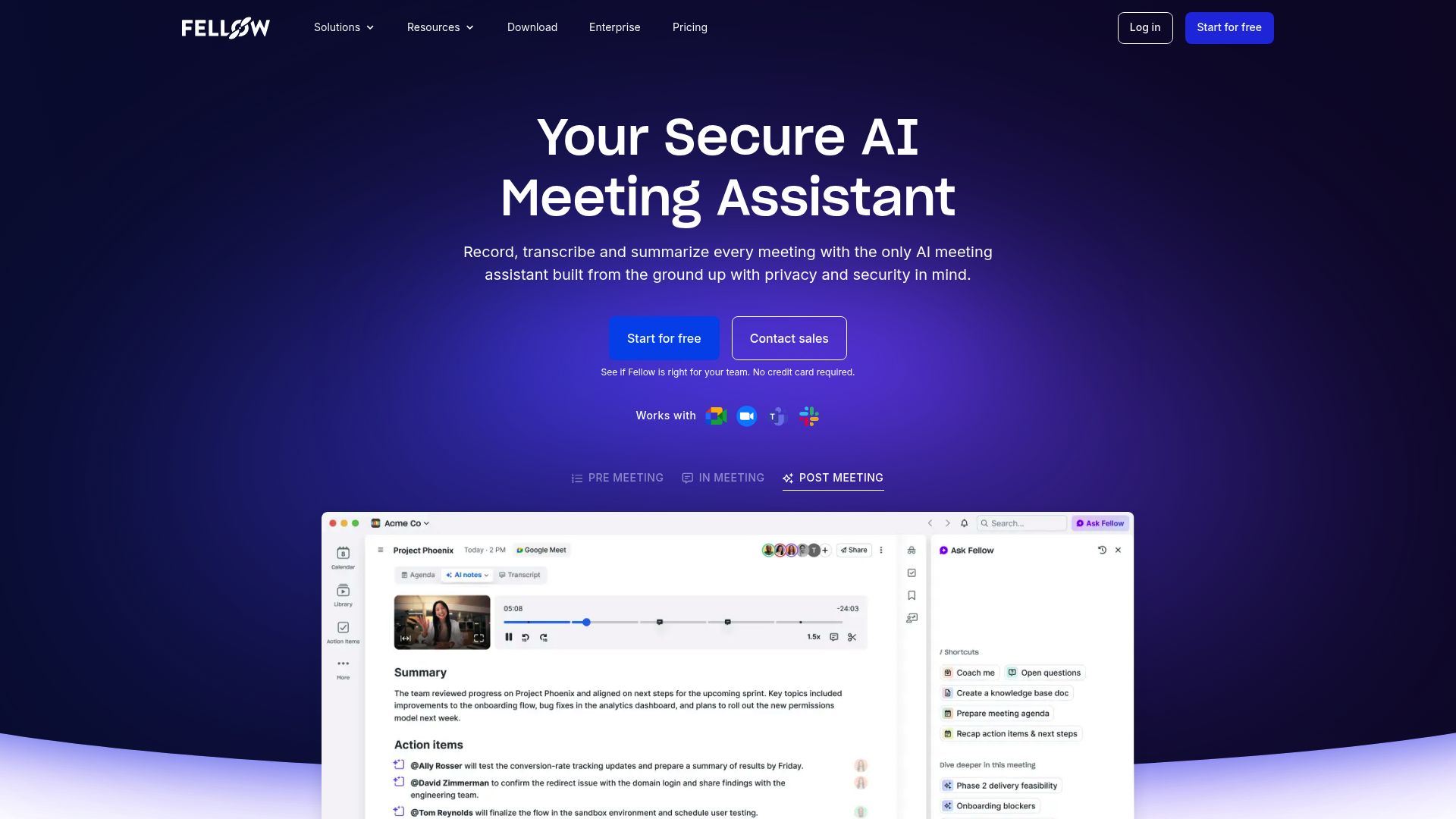
31. Fellow.ai for automatic meeting summaries.
-
32. Sembly AI for automated meeting note generation
-
33. Jamworks for smart notes for seamless study sessions.
-
34. Trickle AI for effortlessly summarize meeting notes.
-
35. Talknotes for streamlining meeting notes effortlessly.
-
36. Spinach AI for streamlining meeting note-taking and sharing.
-
37. Reflect Notes for summarizing meetings with automated notes.
-
38. Appflowy for enhanced note-taking with ai features
-
39. AudioNotes for effortless meeting summaries and follow-ups
-
40. Lookback for capturing meeting insights effortlessly
-
41. Notedly.ai for smartly organize meeting notes effortlessly.
-
42. Laxis for real-time meeting transcriptions
-
43. Rise for efficient meeting summaries and action items
-
44. Quivr for meeting summaries and action items.
-
45. Dream Journal for ai-powered meeting summaries
110 Listings in AI Note Takers Available



Sembly AI pros:
- Records and transcribes meetings
- Generates smart summaries
Sembly AI cons:
- Limited support for offline conversations
- Unclear voice identification feature
Sembly AI Pricing
Paid plans start at $20/month and include:
- Unlimited online recording
- Supported file formats: MP3, WAV, AIFF, AAC, OGG, FLAC, WMA, WMV, ASF, M4A, MP2, and MP4
- 900 mins/month per user upload
- Charges apply per user in the workspace
- Up to 40 workspace members
- Additional security options


Jamworks pros:
- Supports busy schedules
- Captures information post-presentation
Jamworks cons:
- No version control for notes
- No explicit mention of security measures
Jamworks is a cutting-edge, AI-powered note-taking tool tailored for students seeking to enhance their academic experience. This innovative application streamlines the note-taking process by automatically generating study materials, creating interactive flashcards, and providing live captions during lectures. Designed with inclusivity in mind, Jamworks also features specialized tools to assist students with disabilities and integrates seamlessly with popular Learning Management Systems, making it a versatile addition to any educational setting.
One of the standout capabilities of Jamworks is its ability to instantly capture information presented in class, allowing students to generate comprehensive notes even if they miss a moment of focus. To further bolster learning, the application intelligently reverse engineers questions and answers from textbook chapters, facilitating engaging revision quizzes that reinforce understanding and retention. With support for multiple languages, Jamworks aims to create an accessible and enriching academic journey for all users.
Jamworks Pricing
Paid plans start at ££14.99/month and include:
- Unlimited hours of recording per month
- Unlimited AI automatic highlights
- Unlimited AI summaries
- Unlimited transcription
- Unlimited AI flashcard quizzes
- Unlimited AI key points


Trickle AI pros:
- Organize and Declutter: Upload your screenshots to Trickle and keep them organized in one place eliminating the clutter in your camera roll.
- AI-Generated Summaries: Receive insightful summaries for each uploaded screenshot making it easier to find valuable information.
Trickle AI cons:
- The cons of using Trickle 1.0 are not explicitly mentioned in the provided documents.
Trickle AI Pricing
Paid plans start at $8/month and include:
- Unlimited screenshot uploads
- Unlimited Search & AI Recall
- Unlimited Collections
- Unlimited App Connections
- AI-Generated Digests
- Bulk Upload and Export


Talknotes pros:
- Answers repetitive queries faster
- Compatible with various apps
Talknotes cons:
- Available beta features only
- User-created templates needed
Talknotes revolutionizes customer support with its AI-driven capabilities, merging speed with a personalized touch. This tool stands out by efficiently handling repetitive questions, allowing businesses to focus on more complex interactions. With response times double that of manual efforts, Talknotes ensures that customer inquiries are met promptly and effectively.
Designed for indie makers and small business owners, Talknotes emphasizes maintaining a personal connection with customers. Although it automates repetitive responses, it retains the warmth and engagement that automated tools often lack. This balance makes it an attractive option for those who prioritize genuine interaction.
The tool’s integration with various applications enhances its versatility, allowing users to easily import real-time data for personalized messaging. This feature not only enriches customer interactions but also enables businesses to address FAQs with tailored responses, fostering loyalty and trust.
Talknotes is priced competitively, with plans starting at $14.98 per month, making it accessible for small businesses seeking to improve their customer service without breaking the bank. Its unique approach to personalization sets it apart in a crowded market, ensuring customer experiences feel considerate and custom-fit.
Talknotes Pricing
Paid plans start at $14.98/month and include:
- Answers repetitive queries faster
- Compatible with various apps
- Direct support availability
- Template creation for responses
- Real-time app data import
- Ideal for indie makers


Spinach AI pros:
- Spinach.io joins meetings, takes notes, and captures actions to help ship faster
- Requires just one step - adding [email protected] to any calendar invite
Spinach AI cons:
- Pricing starting at $2.40/meeting hour might not justify value for money compared to competitors with more features
- No specific cons or missing features mentioned in the provided content.
Spinach AI Pricing
Paid plans start at $2.40/hour and include:
- Up to 5 meeting hours/month
- AI Meeting notes in email or Slack
- Integrate with Slack, Jira, Asana, Trello, Linear, ClickUp


Reflect Notes pros:
- Instantly sync your notes across devices
- Form a graph of ideas with backlinked notes
Reflect Notes cons:
- No specific cons or missing features mentioned in the documents
Reflect Notes is an innovative AI-integrated tool designed for users seeking efficient note-taking solutions. With its ability to generate article outlines, transcribe voice notes with impressive accuracy, and summarize meetings, it stands out as a reliable assistant for both students and professionals alike. Users can easily capture thoughts and tasks, ensuring important ideas are never lost.
The tool excels in searchability through its backlinking feature, which allows users to connect related notes effortlessly. This functionality enables quick access to information, streamlining the workflow for anyone juggling multiple projects or responsibilities. Moreover, Reflect Notes offers secure syncing across devices, making your notes accessible wherever you are.
One of the standout aspects of Reflect Notes is its user-friendly interface that prioritizes simplicity and speed. The visual presentation of the neural network is both engaging and informative, drawing users in while assisting them in organizing their thoughts. The tool also includes helpful grammar and spelling corrections to enhance overall writing quality.
For those wanting to create snippets from various browsers or integrate their calendar and contacts, Reflect Notes simplifies these tasks without requiring any coding skills. Its versatility makes it suitable for a wide range of applications and workflows, honing in on what users truly need.
Starting at just $10 per month, Reflect Notes is an accessible choice for anyone looking to elevate their note-taking experience. Whether you’re a busy professional or a student aiming for better organization, this tool is worth considering for its blend of functionality and ease of use.
Reflect Notes Pricing
Paid plans start at $10/month and include:
- Chrome and Safari web clipper
- Start your 14-day trial
- Integrate your contacts and calendars
- Save web clips and sync with your Kindle
- Connect with Reflect with dozens of applications without code
- Sync your reading highlights and notes with Reflect


Appflowy pros:
- AI-powered environment for efficiency and data privacy
- Supports offline mode
Appflowy cons:
- Difficulty in overcoming vendor lock-in
- Issues with cross-platform experience
Appflowy Pricing
Paid plans start at $10/month and include:
- Up to 10 workspace members
- Custom namespace (coming soon)
- Unlock unlimited AI power
- Find inspiration
- Write better
- Autofill tables


AudioNotes pros:
- Unleash the power of AI with AudioNotes
- Effortless Integration with apps like WhatsApp, Notion, and Zapier
AudioNotes is an innovative AI-powered note-taking application designed to transform both voice and text inputs into structured and coherent summaries. It simplifies the note-taking experience, enhancing user productivity through features like seamless conversion of voice notes, customized content creation, and easy integration with popular platforms such as WhatsApp and Notion. The app is equipped with an AI-driven Magic Chat Assistant to facilitate user interactions and is accessible via a sleek progressive web app, making it compatible with both Android and iOS devices. Supporting over 19 languages, AudioNotes empowers users to efficiently generate high-quality content, from emails to social media posts, making it a versatile tool for anyone looking to enhance their organizational skills and streamline their workflow.




Notedly.ai pros:
- AI-Powered Tools: Innovative features that use AI to enhance note-taking and information organization.
- User-Friendly Interface: Designed for easy navigation ensuring users of all levels can efficiently manage their notes.
Notedly.ai cons:
- The document did not provide specific cons or limitations of using Notedly.ai.
Notedly.ai stands out as a versatile platform for efficient note-taking and information management. Designed for individuals and teams alike, it harnesses the power of artificial intelligence to streamline the way users capture and organize their notes. Whether you’re a student in a lecture or a professional in a meeting, Notedly.ai adapts seamlessly to your specific requirements.
One of the platform's key strengths lies in its user-friendly interface, which makes it accessible for people of all technical backgrounds. The intuitive design ensures that users can quickly familiarize themselves with the tools and features, maximizing productivity without a steep learning curve.
Notedly.ai offers advanced search functionality, allowing users to retrieve information swiftly and effectively. This feature is particularly useful for those who deal with vast amounts of data, saving valuable time and helping maintain focus on critical tasks. The platform’s customizable organization options further enhance how you manage your notes, ensuring that everything is structured to meet your needs.
Additionally, Notedly.ai supports seamless integration with various apps and tools, promoting a cohesive workflow. This connectivity means you can easily incorporate your notes into existing projects or share them with teammates, fostering collaboration and enhancing team efficiency. Overall, Notedly.ai emerges as a comprehensive solution for those seeking to elevate their information management practices.


Laxis pros:
- Automated Lead Generation and Personalized Outreach: Reach more potential customers without manual effort.
- Detailed Meeting Transcriptions and Summaries: Ensure no critical detail is missed.
Laxis cons:
- Limited transcription minutes per month for lower-tier plans (e.g., 300 minutes for the free plan)
- Missing features compared to other AI tools in the industry (e.g., limited customization for large organizations)
Laxis Pricing
Paid plans start at $13.33/month and include:
- Transcription: 2000 minutes per month
- Unlimited Google Meet transcription
- AI Writer and LaxisChat: 200,000 words per month
- AI Writer: auto-generate meeting follow-up content
- Conversation history: unlimited
- LaxisChat: ChatGPT-like chatbot for meetings


Rise pros:
- Rise is a smart calendar that many people have already fallen in love with
- They deeply care about the tools people use every day, constantly challenging, optimizing, and improving Rise


Dream Journal pros:
- Cross-platform availability
- Secure dream journaling