AI Web Development Tools
Discover top tools that enhance web development using AI for smarter, faster solutions.

The evolution of web development has reached an exciting crossroads thanks to the rise of AI tools. What once required extensive coding and design knowledge can now be enhanced with smart algorithms that streamline the process. Today, AI-assisted development tools are revolutionizing how we build websites, making it more accessible for beginners and more efficient for seasoned professionals.
From intuitive design features to automated coding assistance, these tools help you create visually stunning and highly functional sites in less time. No longer do developers have to start from scratch or manually debug every line of code. Instead, AI can offer suggestions and even generate entire sections of a website based on your needs.
As someone who has spent years navigating the complexities of web development, I've witnessed firsthand how AI can make tasks easier and more efficient. However, choosing the right tool among the plethora of options can be daunting.
In this article, I’ll showcase the best AI web development tools available today. Whether you're looking to enhance your coding skills, automate repetitive tasks, or elevate your design process, you’ll find something here to suit your needs. Let’s dive into the tools that can transform your web development journey.
The best AI Web Development Tools
-
1. Lovable for streamlining code collaboration
-
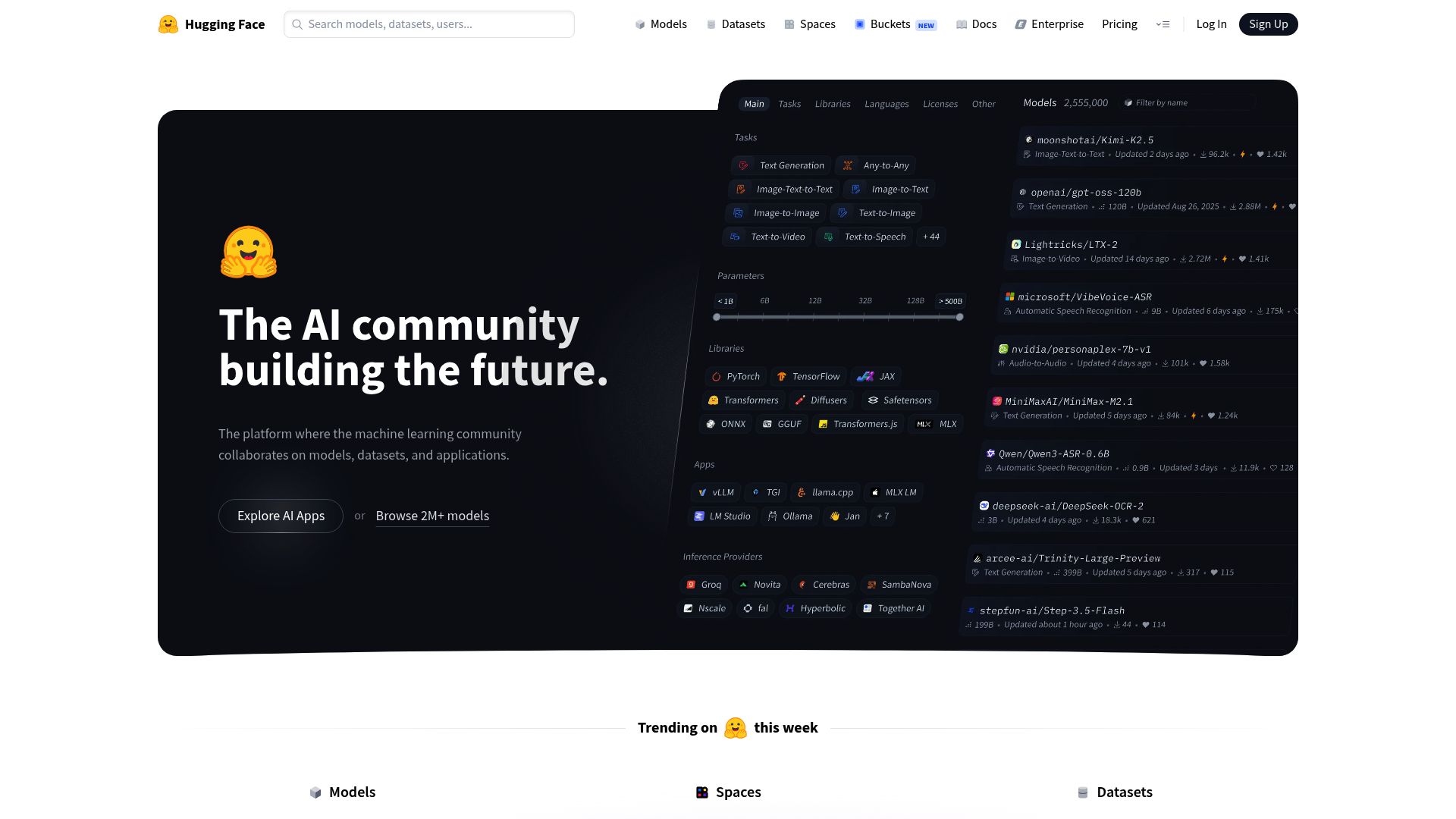
2. Hugging Face for chatbot integration for user support
-
3. Supabase for collaborative database management for dev teams
-
4. Cursor for real-time collaboration on code projects.
-
5. Replit AI for code suggestions for responsive designs.
-
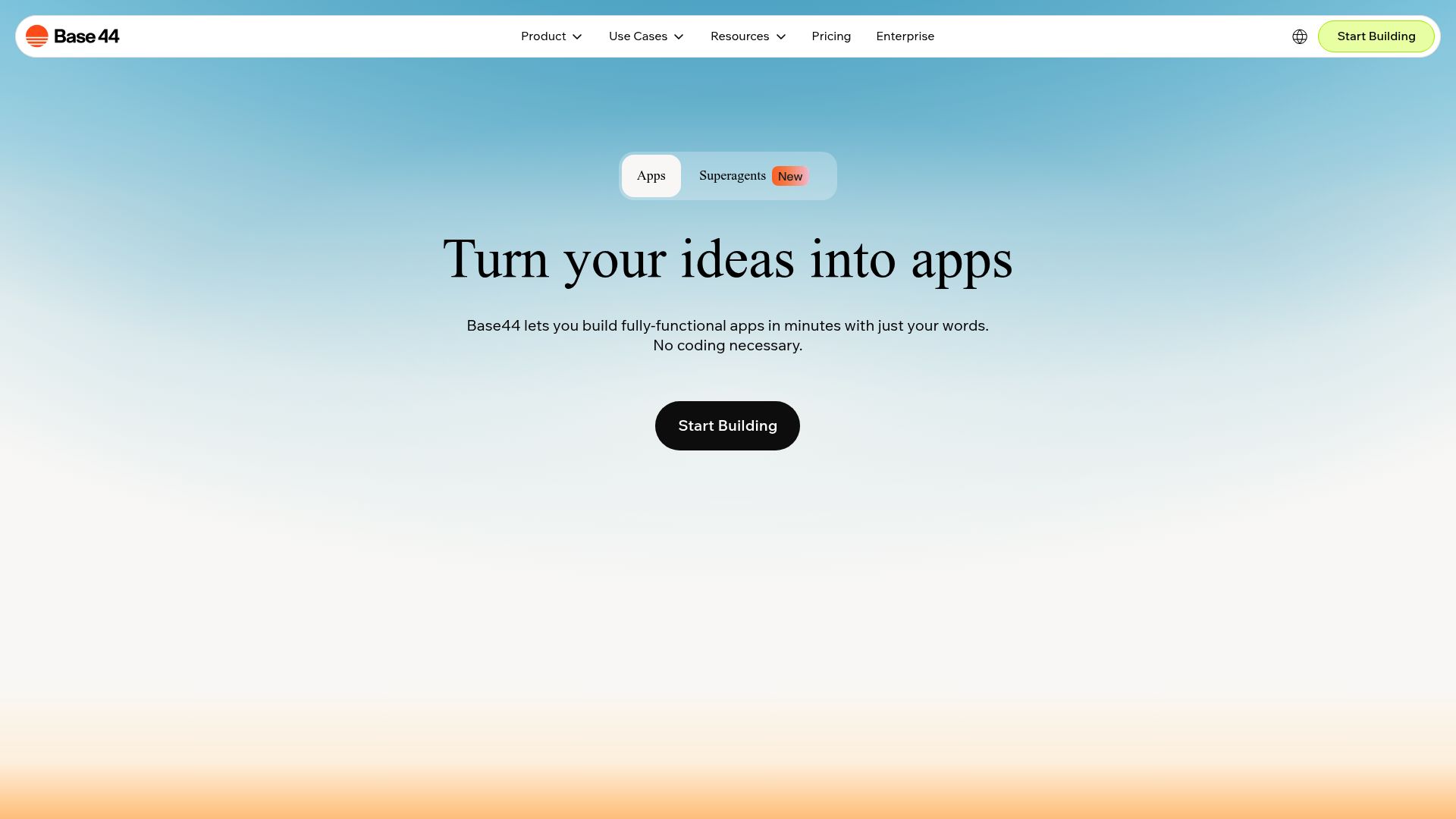
6. Base44 for url shortening for web applications.
-
7. Ollama for rapid prototyping of web interfaces
-
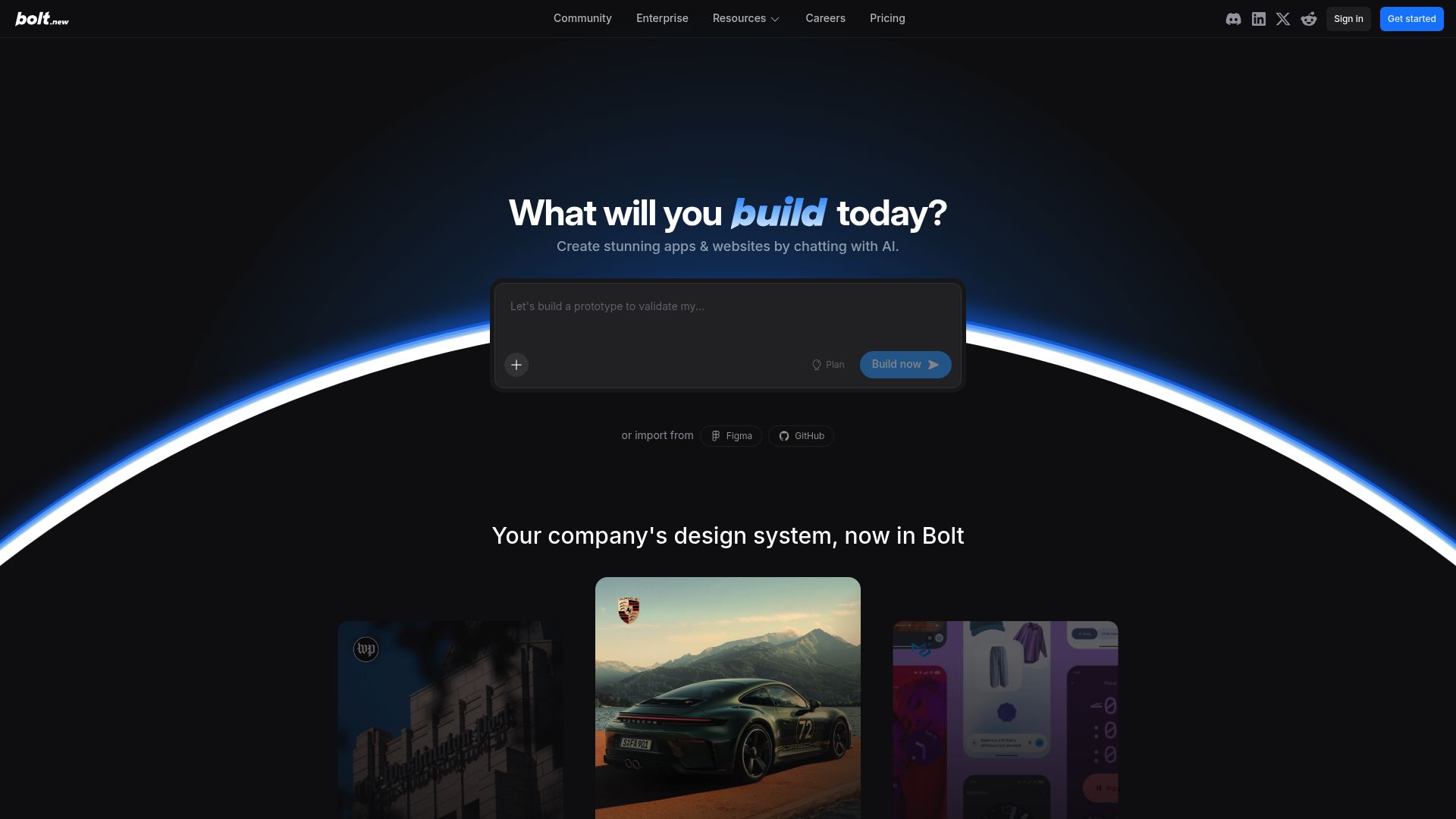
8. Bolt for dynamic form creation in web applications
-
9. Carrd for one-page site for event promotion
-
10. AI Dungeon for code interactive web story experiences.
-
11. Groq for real-time collaboration on coding projects.
-
12. Chat Blackbox for streamlining web dev with automation
-
13. Onfido for seamless user onboarding automation
-
14. FlutterFlow for rapid prototyping of web applications.
-
15. Jimdo for building and maintaining websites easily
How do AI web development tools work?
AI web development tools leverage sophisticated algorithms to automate various aspects of the web design and development process. These tools often harness the power of large language models, similar to those used in AI writing software, to analyze coding patterns and improve efficiency. They provide suggestions, code snippets, or even generate entire sections of code based on user inputs.
At their core, these tools are designed to interpret your requests, allowing you to describe functionalities in plain language. For instance, you might enter a directive like, "Create a navigation bar," and the AI will generate the necessary HTML, CSS, or JavaScript code. This makes web development more accessible, even for those without extensive programming experience.
Many AI web development platforms integrate with popular coding environments and content management systems. This means they can enhance tools like WordPress, Wix, or GitHub by providing intelligent code completions or real-time error detection. With these integrations, users can streamline the development workflow significantly.
The training data for these AI systems often consists of vast amounts of source code, documentation, and user-generated content from platforms like GitHub. This allows them to learn from a large array of coding styles and best practices. Their efficacy relies on identifying patterns and suggesting optimal solutions based on user context.
In essence, AI web development tools simplify the coding process, allowing developers to focus on creativity and problem-solving rather than getting bogged down in syntax. As technology continues to evolve, the capabilities of these tools are expected to grow, potentially transforming how web developers work.
Our best AI web development tools at a glance
| Rank | Name | Best for | Plans and Pricing | Rating |
|---|---|---|---|---|
| 1 | Lovable | streamlining code collaboration |
N/A |
4.84 (43 reviews)
|
| 2 | Hugging Face | chatbot integration for user support |
N/A |
0.00 (0 reviews)
|
| 3 | Supabase | collaborative database management for dev teams |
N/A |
5.00 (32 reviews)
|
| 4 | Cursor | real-time collaboration on code projects. |
Paid plans start at $20/Month. |
4.83 (6 reviews)
|
| 5 | Replit AI | code suggestions for responsive designs. |
N/A |
4.70 (44 reviews)
|
| 6 | Base44 | url shortening for web applications. |
N/A |
0.00 (0 reviews)
|
| 7 | Ollama | rapid prototyping of web interfaces |
N/A |
4.63 (8 reviews)
|
| 8 | Bolt | dynamic form creation in web applications |
N/A |
0.00 (0 reviews)
|
| 9 | Carrd | one-page site for event promotion |
Paid plans start at $19/year. |
4.72 (29 reviews)
|
| 10 | AI Dungeon | code interactive web story experiences. |
N/A |
4.54 (39 reviews)
|
| 11 | Groq | real-time collaboration on coding projects. |
N/A |
4.38 (8 reviews)
|
| 12 | Chat Blackbox | streamlining web dev with automation |
N/A |
4.67 (12 reviews)
|
| 13 | Onfido | seamless user onboarding automation |
N/A |
4.50 (12 reviews)
|
| 14 | FlutterFlow | rapid prototyping of web applications. |
N/A |
4.18 (11 reviews)
|
| 15 | Jimdo | building and maintaining websites easily |
N/A |
4.64 (11 reviews)
|
843 Listings in AI Web Development Tools Available


Lovable pros:
- AI-first, with humans in the loop
- Prototype or build real web apps with speed you've never seen before



Supabase pros:
- AI-powered SQL editor for code generation and modification
- Visual schema designer for database visualization
Supabase cons:
- Lack of access controls (coming soon)
- Lack of information regarding specific cons of using Supabase AI SQL Editor was found in the provided documents.
Supabase stands out as a premier open-source alternative to Firebase, providing robust tools for web development. Its integration of a Postgres database, authentication, and real-time APIs simplifies the app development process, enabling developers to kickstart projects swiftly. With its well-structured features, Supabase significantly reduces the time and effort typically associated with backend setup.
The recent enhancements in Supabase Studio, particularly the AI-powered SQL editor, mark a notable leap forward. This feature allows users to generate and refine SQL code with ease, enhancing productivity and reducing the learning curve for those less familiar with SQL syntax. Additionally, the visual schema designer helps developers visualize their database structures efficiently.
Security and user management are made straightforward with Supabase’s database roles and permissions management. This feature ensures developers can clearly define access levels, which is critical for maintaining data integrity in collaborative environments. The tracking of schema migrations further streamlines project maintenance, allowing for easy adjustments as projects evolve.
Moreover, Supabase’s capability to connect with external data sources expands its versatility. Developers can integrate third-party services, making it a powerful choice for those looking to build comprehensive web applications. With positive feedback about its documentation and intuitive user experience, Supabase continues to attract a loyal user base, reinforcing its status among the best AI web development tools available today.


Cursor pros:
- One-click VSCode Migration: Import your VSCode extensions themes and keybindings easily.
- Chat with AI: Communicate with your project for tailored code assistance.
Cursor cons:
- Limited to 10 Claude Opus uses per day with the Business plan
- Storage of prompts and telemetry data for improving Cursor features might not align with strict data privacy preferences
Cursor is a standout Integrated Development Environment (IDE) tailored for developers seeking an AI-assisted pair programming experience. It combines traditional coding methods with modern AI capabilities, streamlining the software development process. With features like chatting within projects and the ability to edit in natural language, Cursor enhances productivity by enabling intuitive workflows that feel natural for developers.
One of Cursor's key strengths is its bug-fixing functionality, which automatically identifies and resolves issues in the code. This hands-on approach allows developers to focus on building rather than debugging, significantly reducing time spent troubleshooting. Furthermore, Cursor prioritizes user privacy by ensuring that code remains on local machines and isn't stored on servers, a crucial aspect for many developers concerned about data security.
For those migrating from VSCode, Cursor offers a seamless one-click feature, making transition effortless. This ease of setup ensures that developers can quickly dive into their projects without the hassle of extensive configuration. Additionally, users can access premium models, including GPT-4 and Claude 3.5 Sonnet, which provide flexibility in performance and privacy tailored to individual needs.
Cursor's pricing starts at just $20 per month, making it an accessible option for both freelancers and larger teams. With intelligent AI features designed to complement the coding process, Cursor is poised to elevate the standard for web development tools, making it a must-try for developers aiming to enhance their productivity and coding efficiency.
Cursor Pricing
Paid plans start at $20/Month and include:
- One-click VSCode Migration
- Chat with AI
- Natural Language Editing
- Automatic Bug Detection
- Privacy-Focused
- Cursor-small uses





Ollama stands out as a powerful platform for developers looking to harness the capabilities of large language models like Llama 3.2, Phi 3, and Mistral. Its intuitive interface allows users to easily deploy, customize, and create their own models, catering to varied web development needs.
One of Ollama's key strengths is its compatibility across diverse operating systems, including macOS, Linux, and Windows. This flexibility makes it an excellent choice for developers working in different environments or collaborating on cross-platform projects.
Moreover, Ollama offers a user-friendly experience that simplifies the interaction with language models. Whether you are building applications or integrating advanced AI capabilities, the platform ensures that developers can swiftly get their projects off the ground without overwhelming complexity.
The ability to explore and utilize multiple language models in one place is a significant advantage. With Ollama, web developers can experiment with various models, allowing for innovative solutions and enhanced functionality in their applications.
In summary, if you're searching for an all-in-one tool for AI integration in web development, Ollama deserves your attention. Its combination of accessibility, versatility, and powerful model support makes it a strong contender in the category of the best AI web development tools.



Carrd pros:
- Simple interface
- Responsive Design
Carrd cons:
- Limited SEO capabilities for in-depth optimization
- No cons or missing features specific to Carrd were identified in the provided documents.
Carrd is an intuitive web development platform tailored for creating sleek one-page websites with minimal effort. Its user-friendly interface allows individuals to craft personal profiles, landing pages, or even more intricate projects without the need for extensive technical knowledge.
The beauty of Carrd lies in its versatility. Users can start from scratch or select from a variety of templates, ensuring every site is uniquely suited to its purpose. No matter the device, Carrd guarantees a responsive design that looks great on smartphones, tablets, and desktops alike.
While Carrd offers a free tier that allows the creation of up to three sites with essential features, those seeking advanced options can opt for the Pro subscription. Priced at a budget-friendly $19 per year, this plan unlocks custom domain support, advanced forms, and integration with tools like Google Analytics.
Users can explore Carrd's capabilities risk-free with a 7-day trial, requiring no upfront sign-up. This makes it an attractive option for anyone looking to test the waters before fully committing to a new platform for their website needs.
Carrd Pricing
Paid plans start at $19/year and include:
- Custom Domains
- More Sites
- Forms
- Widgets + Embeds
- Google Analytics
- No Branding


AI Dungeon pros:
- A text-based, AI generated fantasy simulation with infinite possibilities
- Experience worlds created by directing the AI to create worlds, characters, and scenarios
AI Dungeon redefines the text-based adventure genre by harnessing the power of artificial intelligence to create immersive storytelling experiences. Players take on unique roles within a virtually limitless universe, where each decision can lead to astonishing narratives. This AI-driven platform allows you to craft distinctive worlds and interact with diverse characters, making your imagination the only limit.
What sets AI Dungeon apart is its capacity for customization. Users can dictate every aspect of the story, from defining settings to steering characters in new directions. This level of control invites creativity and spontaneity, ensuring that no two adventures are ever the same. Whether you're leading a heroic quest or solving a fantasy mystery, your journey unfolds based on your choices.
The underlying technology of AI Dungeon leverages advanced algorithms for truly dynamic interactions. With its robust computing power, the AI continuously adapts to input, resulting in engaging and coherent plots that can surprise even the most seasoned player. This capability not only showcases the potential of AI but also provides an enriching experience that redefines how narratives can be explored.
AI Dungeon also fosters collaboration and sharing among users, allowing for community-driven storytelling. Players can publicly share their adventures, sparking inspiration and providing a platform for creative interaction. As a result, it transforms solitary gameplay into a shared experience, where ideas and stories can flow freely among enthusiasts.
For those seeking an engaging outlet for creativity, AI Dungeon is a standout tool. It combines the thrill of gaming with the artistry of writing, making it an ideal choice for both casual players and serious storytellers. In a world full of structured narratives, AI Dungeon's innovation shines brightly, paving the way for limitless imaginative possibilities.


Groq pros:
- Advanced NLP: Incorporates latest Natural Language Processing techniques.
- User-Friendly Interaction: Convenient and intuitive conversational experiences.


Chat Blackbox pros:
- Blackbox accelerates software development and streamlines the coding workflow
- Provides coding support and intelligent automation


Onfido pros:
- Flexible identity verification
- End-to-end identity verification
Onfido cons:
- Reliability on document condition
- No detailed error reporting


FlutterFlow pros:
- Visual Drag & Drop Builder
- 100's Of Prebuilt Templates
FlutterFlow cons:
- Pricing may not justify the value for some users
- Limited control over advanced functionalities
FlutterFlow is a standout platform in the realm of web development tools, especially for those looking to create mobile applications with ease. Founded by former Google engineers, it provides a refreshing approach to app design through its intuitive drag-and-drop visual builder. This enables designers, developers, and entrepreneurs to bring their app ideas to life without extensive coding knowledge.
The platform also houses a visual logic builder and robust state management features, making it a comprehensive solution for app development. With seamless GitHub integration, FlutterFlow allows developers to collaborate efficiently and manage their codebase effectively. This flexibility combined with user-friendly design tools sets FlutterFlow apart from more traditional development environments.
A notable highlight is FlutterFlow 4.0, an AI-enhanced tool that revolutionizes the development process. By leveraging artificial intelligence, it assists users in generating code styles, defining database schemas, and recommending page types tailored to various industries such as banking and e-commerce. This intelligent approach not only speeds up development but also ensures a more customized build.
Additionally, FlutterFlow offers extensive documentation and expert advice, providing users with the resources they need to succeed. Newcomers can even start their app development journey for free, making it accessible to anyone with a vision. Whether you're a seasoned developer or a complete beginner, FlutterFlow is designed to elevate the web development experience.


Jimdo pros:
- Saves hassle of manual tasks
- Helps improve website visibility
Jimdo cons:
- Potential speed issues
- Dependence on user-friendly interface
Jimdo stands out as a versatile web development platform tailored for small businesses aiming to establish a strong online presence. Its diverse suite of features includes website and online store creation, SEO optimization, and business analytics, making it a one-stop solution for entrepreneurs. With its user-friendly interface, even those with limited technical expertise can build and maintain professional-looking sites.
One of Jimdo's key advantages is its focus on e-commerce, providing tools for effective online store management and appointment scheduling. This makes it an ideal choice for businesses looking to streamline their operations while maximizing visibility. Additionally, the platform’s SEO capabilities help users enhance their search engine rankings, ensuring potential customers can easily find their offerings.
Jimdo also supports branding initiatives through logo design tools, allowing businesses to create a cohesive digital identity. This comprehensive approach to web development not only simplifies the process but also empowers small business owners to take charge of their online marketing strategies. Whether it’s a new website or an online store, Jimdo equips users with everything necessary to succeed in the digital landscape.
Overall, Jimdo offers an all-in-one solution that balances functionality with ease of use, making it a valuable asset for small businesses in today's competitive market.
What makes the best AI web development tool?
When evaluating the best AI web development tools, several key factors come into play. First and foremost, the tool should offer robust functionality tailored specifically for web development tasks. While numerous platforms claim to assist with coding or design, those that excel typically provide a suite of features to enhance efficiency and streamline the entire development process.
User interface and experience are also critical. A clear, intuitive interface allows developers to navigate easily without a steep learning curve. Tools that support drag-and-drop functionality or visual editing can simplify the workflow, making it accessible both for seasoned developers and those newer to coding.
Integration capabilities significantly impact a tool's effectiveness. The best AI web development tools seamlessly integrate with popular coding languages, frameworks, and libraries. This flexibility not only saves time but also enhances collaboration across different stages of development, ensuring that teams can work harmoniously without spending excessive time on compatibility issues.
Another essential consideration is customization. A top-tier tool allows for extensive customization options, enabling developers to tailor the output to their specific needs and style. Whether it's adjusting code snippets or modifying design elements, the ability to personalize the development process is invaluable.
Affordability also plays a vital role. While many advanced web development tools come with steep price tags, it’s crucial to find options that deliver exceptional value. The goal is for developers to access powerful features without stretching their budgets, especially when there are numerous competitive offerings in the marketplace.
Lastly, the quality of support and documentation is paramount. Comprehensive help resources, tutorials, and user communities can greatly enhance the effectiveness of a web development tool. When developers encounter challenges, having responsive support and rich educational content makes overcoming obstacles much easier.
Ultimately, the best AI web development tools combine these elements into a cohesive package that enhances productivity, creativity, and collaboration, setting the stage for outstanding web projects.
How I selected the best Web Development Tools
Ranking and Scoring Methodologies
Our AI tool rankings are based on a comprehensive analysis that considers factors like user reviews, monthly visits, engagement, features, and pricing. Each tool is carefully evaluated to ensure you find the best option in this category. Learn more about our ranking methodology here.
For this selection, I focused on web development tools that are currently being updated and improved upon with regular enhancements. The web development landscape is fast-paced, so it's essential to prioritize tools that are adapting to new trends and technologies effectively. My analysis considered various factors to ensure a well-rounded choice.
First and foremost, I evaluated the core functionality of each tool. It’s crucial that the tools provide reliable and efficient features, whether it’s for front-end or back-end development. Speed and stability can make all the difference in productivity.
User experience also played a significant role in my assessment. A tool should not only perform well but also be intuitive to use. I looked for interfaces that streamline common tasks, enhance workflow, and reduce the learning curve for both beginners and seasoned developers alike.
Integration capabilities were another important criterion. Many developers utilize a variety of tools, so I focused on those that seamlessly connect with popular frameworks, libraries, and other software solutions. This compatibility can greatly enhance a developer's ability to build robust applications.
Additionally, I kept an eye out for unique features that set these tools apart. Options such as real-time collaboration, extensive documentation, and built-in version control can significantly enhance the development experience and improve team efficiency.
After thorough research and extensive hands-on experience with these tools, I’ve compiled a list of the best web development tools available today. Explore them and discover how they can elevate your projects!