AI Video Generators
Discover top AI video generators for creating high-quality videos for all skill levels.

Creating videos used to be a complex process, reserved for those with technical skills or expensive equipment. But thanks to advancements in AI, making high-quality videos is now within everyone's reach. From automated editing to intelligent scene selection, AI tools are transforming how we approach video production.
Gone are the days of wrestling with editing software and dealing with endless rendering times. Now, you can generate compelling video content quickly, enhancing your productivity without sacrificing quality. Whether you’re a seasoned creator or just starting, AI offers an array of solutions for every need.
In this evolving landscape, it’s easy to feel overwhelmed by the choices available. That's why I've spent time exploring the best AI tools for video generation that cater to various styles and purposes. Get ready to discover platforms that can help you edit faster, add stunning effects, and even generate scripts—all while simplifying your workflow.
Let’s dive into the world of AI video generators, where innovation meets creativity, and find out which ones deserve a spot in your toolkit.
The best AI Video Generators
-
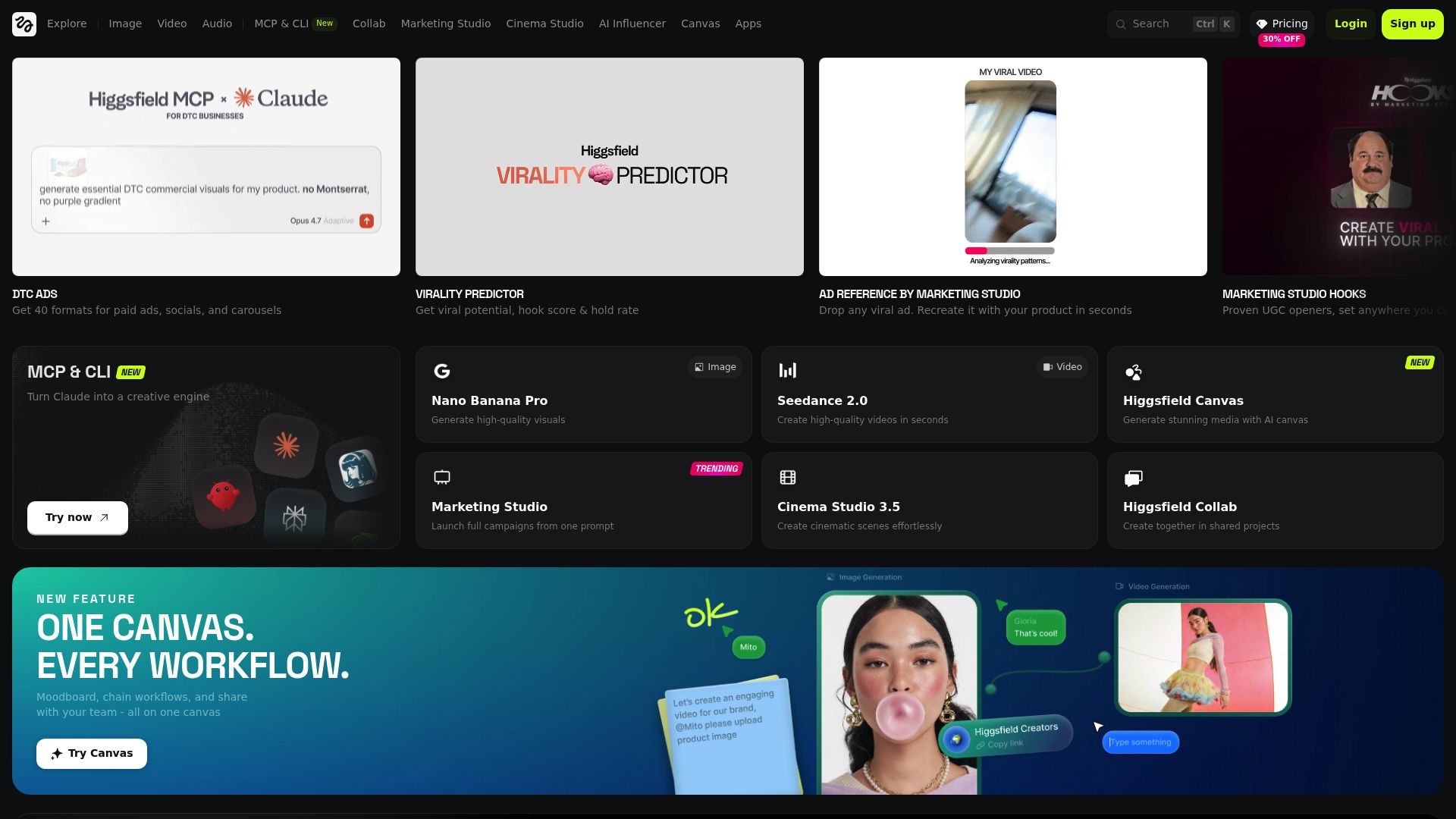
1. Higgsfield Ai. for dynamic video content creation.
-
2. HeyGen for personalized video outreach
-
3. Wondershare for video editing and slideshow creation
-
4. Invideo AI for transform articles into engaging videos.
-
5. Runway for transforming images into video clips
-
6. PixVerse AI for transform words into captivating videos.
-
7. Digen AI for custom video content creation.
-
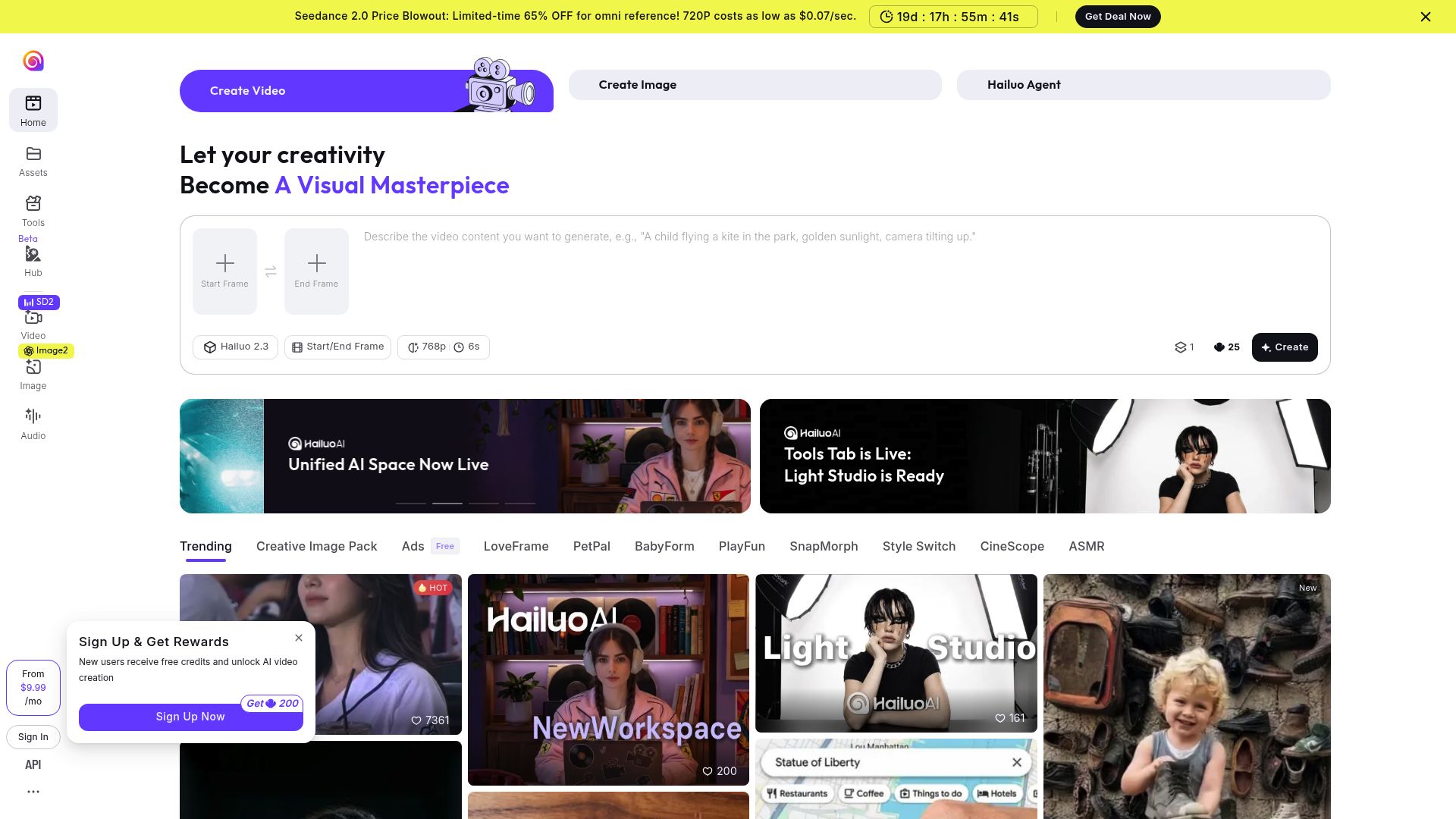
8. Hailuo Minimax. for real-time video content enhancement.
-
9. Magic Hour for engaging promotional videos made easily.
-
10. Vidnoz AI for rapid ai video content generation
-
11. Kling AI for automated video content creation.
-
12. Live3D for convert anime art into animated videos.
-
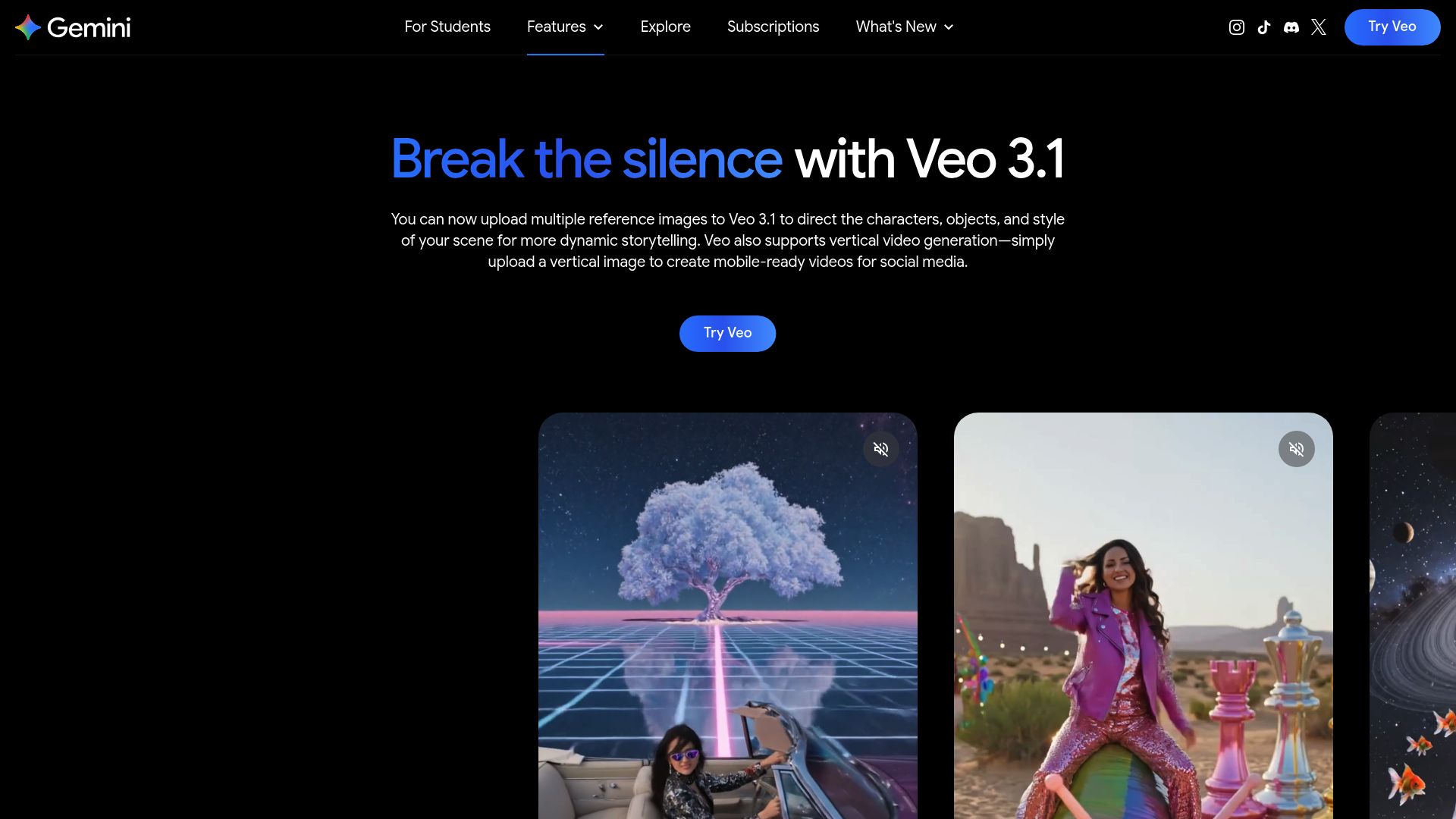
13. Google Veo 3 for automated ad creation for social media.
-
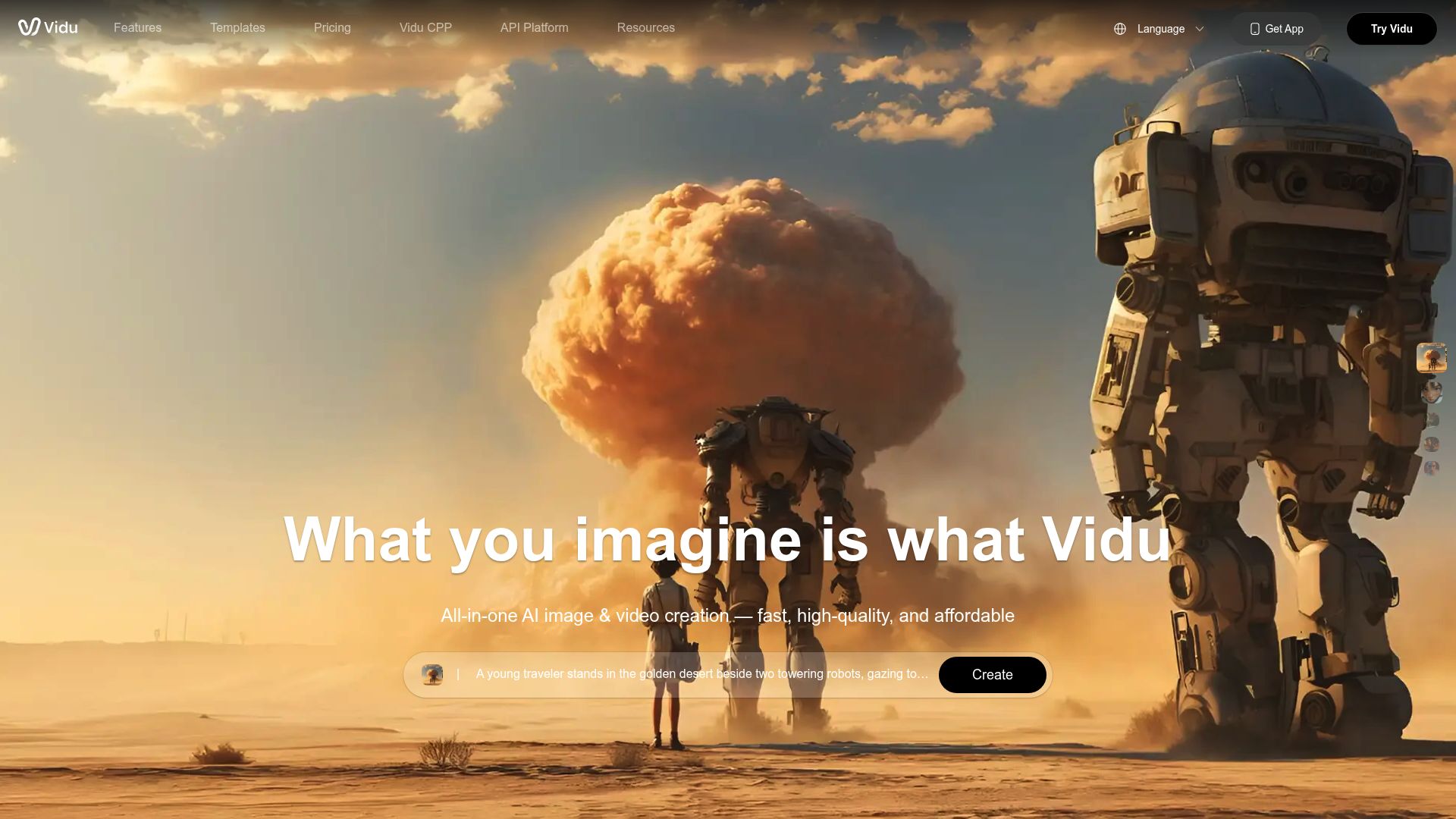
14. Vidu. for dynamic video content creation.
-
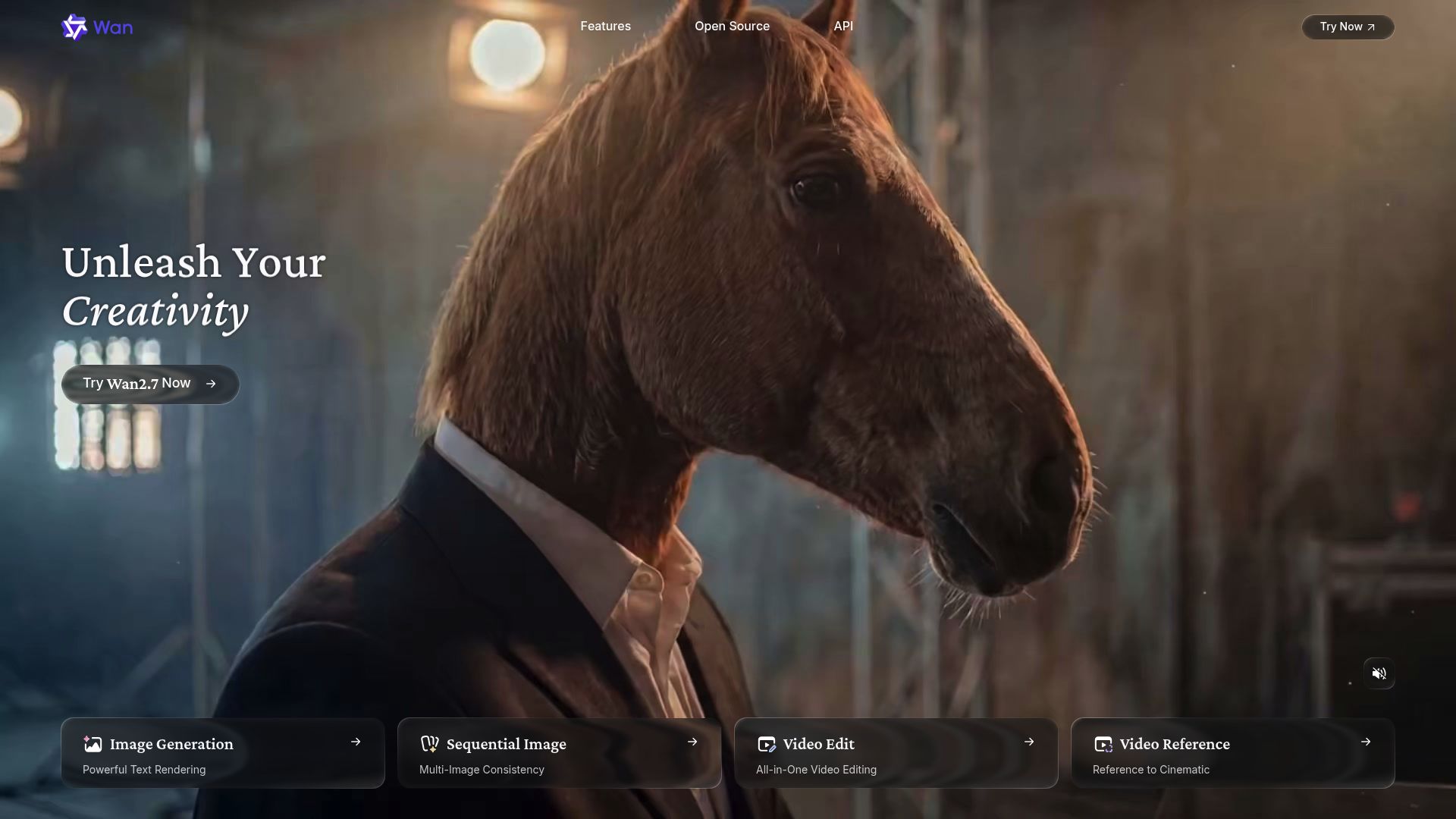
15. Alibaba Wan. for localizing video content for global audiences.
How do AI video creation tools work?
AI video creation tools leverage sophisticated algorithms to automate the video production process. At their core, these tools analyze input data—such as text, images, and audio files—using advanced machine learning techniques. Most of them utilize computer vision and natural language processing to interpret and craft videos that convey a specific message.
When you give an AI video tool a prompt, it generates a storyboard and suggests relevant visuals or animations. Behind the scenes, it identifies themes and emotions in the input to select suitable footage or imagery. This predictive capability allows for more personalized video creation, catering to various audiences effectively.
Sound is another critical component. Many AI video platforms integrate text-to-speech technology and royalty-free music to enhance viewer engagement. By analyzing the script you've provided, these tools can generate voiceovers that match the tone and style you're aiming for. This synergy between visuals and audio creates a polished final product.
Additionally, AI video creation tools often come with templates and customization options. While the automation takes care of the heavy lifting, users can still modify elements like colors, fonts, and transitions to better fit their branding. This blend of automation and creativity streamlines the editing process, making video production accessible even to those without technical skills.
As these technologies advance, they continue to evolve. Tools are becoming increasingly adept at understanding context and sentiment, leading to more impactful videos. The potential applications range from marketing and education to personal storytelling, opening a world of possibilities for creators everywhere.
For those interested in leveraging AI for video projects, it's worth exploring various platforms and their functionalities. These tools not only save time but also expand creative horizons, allowing users to focus on their core message rather than the technical aspects of video production.
Our best AI video generators at a glance
| Rank | Name | Best for | Plans and Pricing | Rating |
|---|---|---|---|---|
| 1 | Higgsfield Ai. | dynamic video content creation. |
N/A |
0.00 (0 reviews)
|
| 2 | HeyGen | personalized video outreach |
N/A |
4.77 (53 reviews)
|
| 3 | Wondershare | video editing and slideshow creation |
N/A |
4.36 (11 reviews)
|
| 4 | Invideo AI | transform articles into engaging videos. |
N/A |
4.35 (23 reviews)
|
| 5 | Runway | transforming images into video clips |
N/A |
4.67 (12 reviews)
|
| 6 | PixVerse AI | transform words into captivating videos. |
N/A |
4.82 (11 reviews)
|
| 7 | Digen AI | custom video content creation. |
N/A |
4.73 (11 reviews)
|
| 8 | Hailuo Minimax. | real-time video content enhancement. |
N/A |
0.00 (0 reviews)
|
| 9 | Magic Hour | engaging promotional videos made easily. |
Paid plans start at $120/year. |
4.80 (30 reviews)
|
| 10 | Vidnoz AI | rapid ai video content generation |
N/A |
4.20 (5 reviews)
|
| 11 | Kling AI | automated video content creation. |
N/A |
0.00 (0 reviews)
|
| 12 | Live3D | convert anime art into animated videos. |
N/A |
4.64 (11 reviews)
|
| 13 | Google Veo 3 | automated ad creation for social media. |
N/A |
0.00 (0 reviews)
|
| 14 | Vidu. | dynamic video content creation. |
N/A |
0.00 (0 reviews)
|
| 15 | Alibaba Wan. | localizing video content for global audiences. |
N/A |
0.00 (0 reviews)
|
150 Listings in AI Video Generators Available



HeyGen pros:
- AI-powered video creation at scale
- Effortlessly produce studio-quality videos with AI-generated avatars and voices
HeyGen cons:
- No specific cons or missing features mentioned in the provided feedback for Heygen
- No specific cons or negative feedback mentioned in the provided documents.


Wondershare pros:
- Versatile diagramming tool
- Facilitates streamlined workflows
Wondershare cons:
- No offline mode
- Platform compatibility issues


Invideo AI pros:
- Save time and optimize your workflow
- Increase the scale and speed of your video creation
InVideo AI stands out as a leading tool in the realm of text-to-video creation. Leveraging advanced artificial intelligence, it allows users to effortlessly transform their written ideas into captivating video content. This platform is particularly valuable for marketers, content creators, and educators looking to enhance their messaging with compelling visuals.
The user-friendly interface offers a range of customizable templates and themes suitable for various purposes, from YouTube videos and social media posts to professional presentations. Users can easily input their ideas and let the AI generate visually stunning videos that align with their vision.
Moreover, InVideo AI not only simplifies video production but also optimizes content for search engines. Its built-in analytics tools provide insights into video performance, helping creators refine their strategies and improve audience engagement. This makes it an ideal choice for both novices and seasoned professionals.
By offering tools for trimming clips, adding subtitles, and adjusting timing, InVideo AI ensures that users have full control over their projects. This flexibility enables creators to polish their videos effortlessly while maintaining a high standard of quality.
In essence, InVideo AI empowers users to create professional-grade videos that effectively communicate their messages. Whether for business marketing or personal projects, this tool streamlines the video creation process, allowing creativity to take center stage.


Runway pros:
- AI Magic Tools: A collection of advanced tools leveraging artificial intelligence for creative tasks
- Text to Image Conversion: Transform textual descriptions into visual images
Runway cons:
- Custom AI training feature may be limited in lower-tier plans
- Only one training included with the Pro plan


PixVerse AI cons:
- No specific cons or missing features of PixVerse were mentioned in the provided document.
PixVerse is a revolutionary tool in the realm of text-to-video generation, enabling users to transform simple text prompts into stunning video clips. Leveraging advanced generative AI, PixVerse stands out by offering an intuitive Discord interface where creativity meets convenience. Users can join dedicated “generate-room” spaces and invoke the /create command to bring their imaginative concepts to life.
One of the most appealing features of PixVerse is its versatility. Users can select from various video styles, such as realistic or anime, tailoring each project to match their vision. The platform also allows for customizable settings, including aspect ratio adjustments and the inclusion of negative prompts, ensuring that the final video aligns with specific creative goals.
PixVerse is designed for ease of use, enabling anyone, from novice content creators to seasoned professionals, to produce high-quality videos seamlessly. By simplifying the video creation process, this tool empowers users to unleash their artistic potential without needing extensive technical expertise. For those looking to add a dynamic visual element to their projects, PixVerse is a compelling choice.
In summary, PixVerse is not just another text-to-video tool; it's a gateway to limitless creativity. With its user-friendly interface and robust customization options, it’s suitable for a wide audience seeking to enhance their content through engaging video formats. Whether for personal projects or professional endeavors, PixVerse sets a new standard in the AI-driven video creation landscape.





Magic Hour pros:
- Animation
- Face Swap
Magic Hour cons:
- No insights on AI performance compared to competitors
- No mention of advanced editing features available
Magic Hour is an innovative platform designed to simplify video content creation. Founded by David and Runbo, who bring experience in software engineering and data science, it empowers users to produce professional-quality videos effortlessly. Whether you're interested in animations, face swaps, or transforming text into engaging videos, Magic Hour offers a user-friendly approach that streamlines the entire process.
Pricing plans for Magic Hour begin at an accessible $120 per year, making it suitable for both professionals and everyday users. The service features dedicated compute power, API access, and high-resolution video output, catering to a diverse range of content creators. This flexibility ensures that you can find a plan that aligns with your specific needs and budget.
One of the standout aspects of Magic Hour is its intuitive interface, allowing even those with minimal video editing experience to create impactful content quickly. Users can explore various styles and formats without feeling overwhelmed. With just a few clicks, you can produce captivating videos that are sure to engage your audience.
For those looking to take their video content to the next level, Magic Hour offers a seamless experience from start to finish. Accessing the platform at magichour.ai provides a treasure trove of tools designed to help you explore your creativity. Whether for personal projects or professional use, Magic Hour is your go-to solution for effortless video creation.
Magic Hour Pricing
Paid plans start at $120/year and include:
- 120,000 frames per year
- Around 166 minutes of video
- 1024x1024 max resolution
- Animation
- Face Swap
- Lip Sync
- Video-to-Video


Vidnoz AI pros:
- Create videos faster to increase ROI
- Save costs with Vidnoz AI
Vidnoz AI cons:
- Need to hire actors & require lots of manpower.
- Complex manual processes through all stages.
Vidnoz AI stands out in the crowded space of AI video creation with its robust suite of features designed to simplify the video-making process. Users can effortlessly generate videos from various sources, including text, images, music, and more, without the need for specialized equipment. This is a game-changer for creators looking to save both time and resources.
One of the platform's standout features is its dual-avatar conversation mode, allowing for dynamic interactions in videos. This innovative approach facilitates engaging storytelling, making videos more relatable to audiences. With customizable AI avatars and voice cloning, users can create personalized content that resonates with viewers.
The extensive library of video templates further enhances Vidnoz AI's usability, enabling users to create professional-quality videos quickly. Whether for marketing, education, or entertainment, these templates help streamline the production process while maintaining creative control.
Designed for efficiency, Vidnoz AI removes traditional barriers in video production, such as the need for cameras, studios, or actors. This democratizes video creation, allowing anyone with a vision to bring it to life without a sizable budget.
Overall, Vidnoz AI is an invaluable tool for businesses and creators aiming to enhance engagement and accelerate video production. Its user-friendly interface and powerful features make it an essential resource for anyone looking to harness the power of AI in their video content strategy.



Live3D pros:
- Users can create professional-quality AI anime art without drawing skills or AI knowledge
- Beginner-friendly AI experience with no obscure terms or complicated operations
Live3D cons:
- The absence of certain advanced features like full-body motion capture and multiplayer online interactions may be considered a drawback for users looking for comprehensive VTuber tools
- Comparatively more expensive than other AI tools in the industry



What makes the best AI video creation tool?
Creating compelling videos using AI requires more than just automated features; it demands a combination of creativity, usability, and efficiency. As I explored various AI video creation tools, here's what I prioritized:
First and foremost, I sought tools specifically built for video creation. While many applications can incorporate video features, dedicated platforms streamline the entire process. I focused on those that excel in video storytelling and have the functionalities necessary to elevate the creative workflow.
Intuitive editing capabilities were crucial. A user-friendly interface that allows you to manipulate elements such as transitions, effects, and audio is essential. I wanted tools that empower users to collaborate with the AI, thereby enhancing the creative output rather than merely relying on it to fill in gaps.
Another significant factor was customization. The best tools should allow for personalized branding and styles, making it simple to apply your unique voice and visuals throughout the video. Features that enable easy adjustments to pacing and tone ensure that the final product resonates with the intended audience.
Additionally, ease of use played a vital role in my evaluation. The ideal tool should make video creation feel seamless rather than overwhelming. Robust help resources and onboarding processes can significantly enhance the user experience, aiding creators in utilizing all features without frustration.
Affordability also came into play. While some platforms charge premium prices, I assessed whether their features justified the cost. Since many tools utilize similar underlying technologies, budget-friendly options should not be overlooked when they deliver comparable quality.
Lastly, I consciously excluded tools meant for producing high-volume, low-quality content. The focus should be on fostering creativity and storytelling, not just churning out generic video clips. With these criteria, I navigated through over 40 video creation tools to pinpoint the ones that truly stand out in quality and user experience.
How I selected the best Video Creation Tools
Ranking and Scoring Methodologies
Our AI tool rankings are based on a comprehensive analysis that considers factors like user reviews, monthly visits, engagement, features, and pricing. Each tool is carefully evaluated to ensure you find the best option in this category. Learn more about our ranking methodology here.
For this update, I focused on video creation tools that are actively evolving and enhancing their features. The landscape in this domain is rapidly changing, making it essential to spotlight tools that are not only maintaining quality but also innovating regularly. My criteria for selection were multi-faceted, reflecting the diverse needs of content creators.
First and foremost, I evaluated the quality of the output. The tools should produce high-resolution videos with exceptional clarity and sound quality. Consistency in the visual and auditory experience is crucial for engaging viewers.
Next, I considered the user interface and overall experience. A seamless, intuitive design is vital for creators, allowing them to navigate features easily and focus on storytelling. The best tools should support users in crafting compelling videos with minimal frustration.
Additionally, I assessed the variety of editing features available. Essential functions like trimming, effects, and transitions need to be complemented by advanced capabilities such as text overlays and motion graphics. A rich toolkit fosters creativity and enhances the final product.
Integration with other platforms was another key factor. Tools that allow for easy importing and exporting between social media, cloud storage, and editing software provide a more cohesive workflow for creators, making their processes much smoother.
Lastly, I looked for innovative extras that set these tools apart. Features like collaboration options, template libraries, and built-in stock footage can significantly enhance the video creation experience. These elements often save time and inspire creativity.
Based on my extensive testing and research, I’ve summarized the standout video creation tools that are worth exploring. Enjoy diving into these resources—I trust you'll find them invaluable!